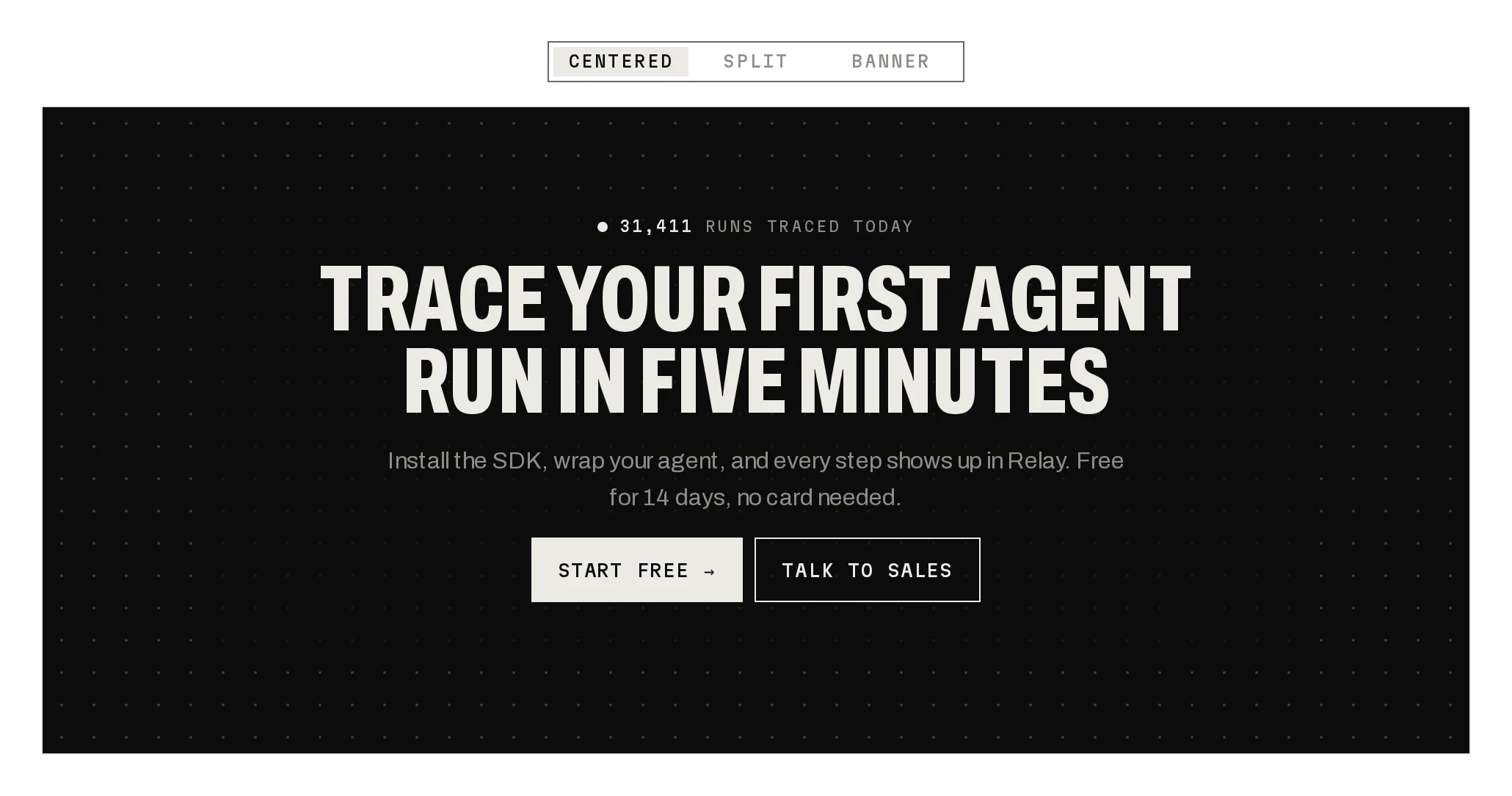
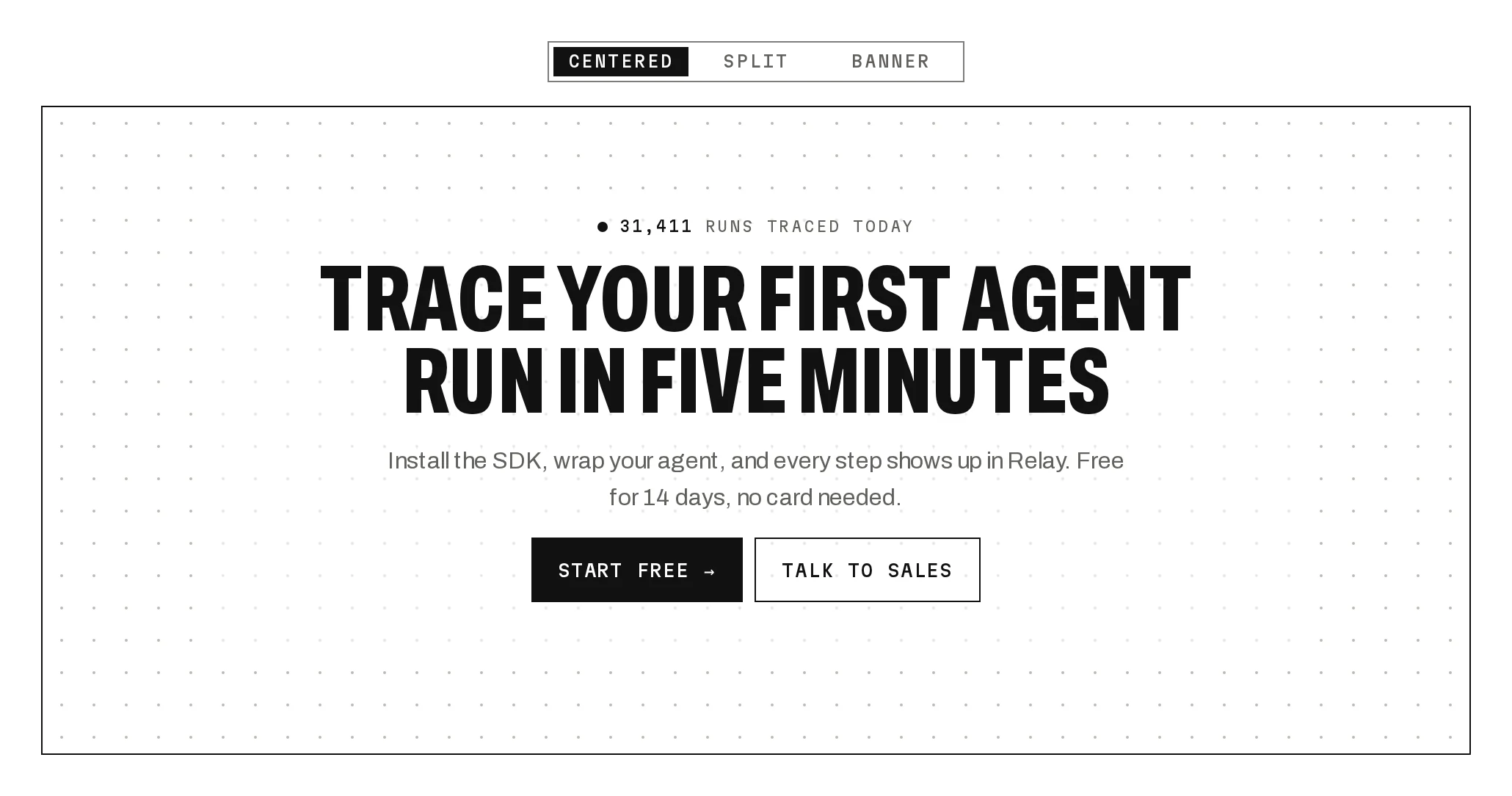
Site Header
Prov1.0.0A site header with mega menus, live product previews and a nav that traces the current page.
Build for your project
Code/install build
Usage
Import it and pass your content. The props that matter most are listed next.
Example
import { SiteHeader } from "@/components/ui/notchset/blocks/site-header";

export function Header({ page }: { page: string }) {
  return (
    <SiteHeader
      brand={{ name: "Relay", href: "/" }}
      items={[
        {
          id: "product",
          label: "Product",
          menu: {
            kind: "products",
            heading: "THE PLATFORM",
            items: [{ id: "traces", tile: "TR", name: "Traces", description: "Every step of every run.", href: "/traces" }],
          },
        },
        { id: "pricing", label: "Pricing", href: "/pricing" },
      ]}
      current={page}
      signIn={{ label: "Sign in", href: "/login" }}
      primary={{ label: "START FREE", href: "/signup" }}
    />
  );
}
Props
variant–"mega" | "simple" | "centered"Mega opens panels; simple is links only; centered puts the logo in the middle.
items–{ id, label, href?, menu? }[]menu is { kind: 'products', heading, items: { id, tile, name, description, href, preview? }[] } or { kind: 'columns', columns, featured? }.
current / onNavigate–string / (id) => voidThe current page's item; changing it sends the pulse along the trace.
brand / signIn / primary–{ name, href, mark? } / { label, href } / { label, href?, onPress?, workingLabel? }The logo, the quiet sign-in and the primary key (onPress shows the scanner until it settles).
scrollRoot–RefObject<HTMLElement>What scrolls, if not the window (the bar shrinks past 12px).
Anatomy
- One block in three layouts on the navbar's trace language.
- Panels are data: products with your own previews, or columns with a featured card.
- Navigation stays yours: current and onNavigate follow your router.
SiteHeaderdata-slot="site-header"The header, its panels and the phone sheet.
Source
components/ui/notchset/blocks/site-header.tsx
This component is included with Pro.
Try the live preview above. Get Pro to install the source.
Build for your project
Code/install build
Installation
pnpm dlx shadcn@latest add @beautiful-ui-pro/site-headerNeeds your registry key. Your components.json style picks the Base UI or Radix build: radix-*, new-york and default get Radix, base-* gets Base UI.
Styles didn't apply?
The CLI adds the styles to the CSS file named in components.json (tailwind.css). Check that it points at your global stylesheet, that the project uses Tailwind CSS v4, and that the file is imported in your root layout. Installed by hand: paste styles.css into that file.
For coding agents
Give your coding assistant the Markdown guide instead of screenshots.
Use it for
- The top of a marketing or docs site
- A product with several areas worth showing before the click
Use something else when
- Inside an app: use the App Shell
- A one-page site with a single action: a plain bar reads faster
Mistakes to avoid
- Map sub-pages to their parent item in current, or the trace points nowhere
- Keep previews light: they mount when an item is hovered
Agents find it by
- header, navbar, site header, mega menu, marketing nav, top navigation, sticky header, Notchset
Where agents read it
- Guide for this component: https://beautiful-ui.dev/md/site-header.md
- Every component, for tools without MCP: /llms.txt
- MCP server:
https://beautiful-ui.dev/api/mcp(setup)
Behaviour
Keyboard
- Enter / Space
- Open or close a menu
- ↓
- Open the menu and move into it
- Esc
- Close the menu or sheet, back to its trigger
Accessibility
- The nav is named Main; the current page has aria-current=page
- Menu triggers are buttons with aria-expanded and aria-controls; panels are named regions, inert while closed
- ↓ on a trigger opens its panel and focuses its first link; Esc closes and returns focus to the trigger
- On phones the same links sit in a MENU sheet (a button with aria-expanded)
Motion
- Page change
- A pulse travels the trace to the new node and a segment draws behind it (440ms trace); the node's dot and stem grow
- Menus
- Open after 90ms of hover, close 180ms after leaving; panels unroll (420ms) and roll up (260ms); switching panes slides them 24px
- Scroll
- The bar shrinks from 64px to 52px past 12px of scroll (260ms) and its rule turns ink
- Primary
- The scanner while onPress runs
Responsive
- Under 760px (container width) the nav folds into the MENU sheet; sign-in hides under 480px.
Performance
- Node centres are measured once and on resize; previews mount only while shown.
Changelog
v1.0.0 · 2026-10-04
First release
Part of
Included with Pro
Pro is in early access.