Code BlockFreev1.0.0
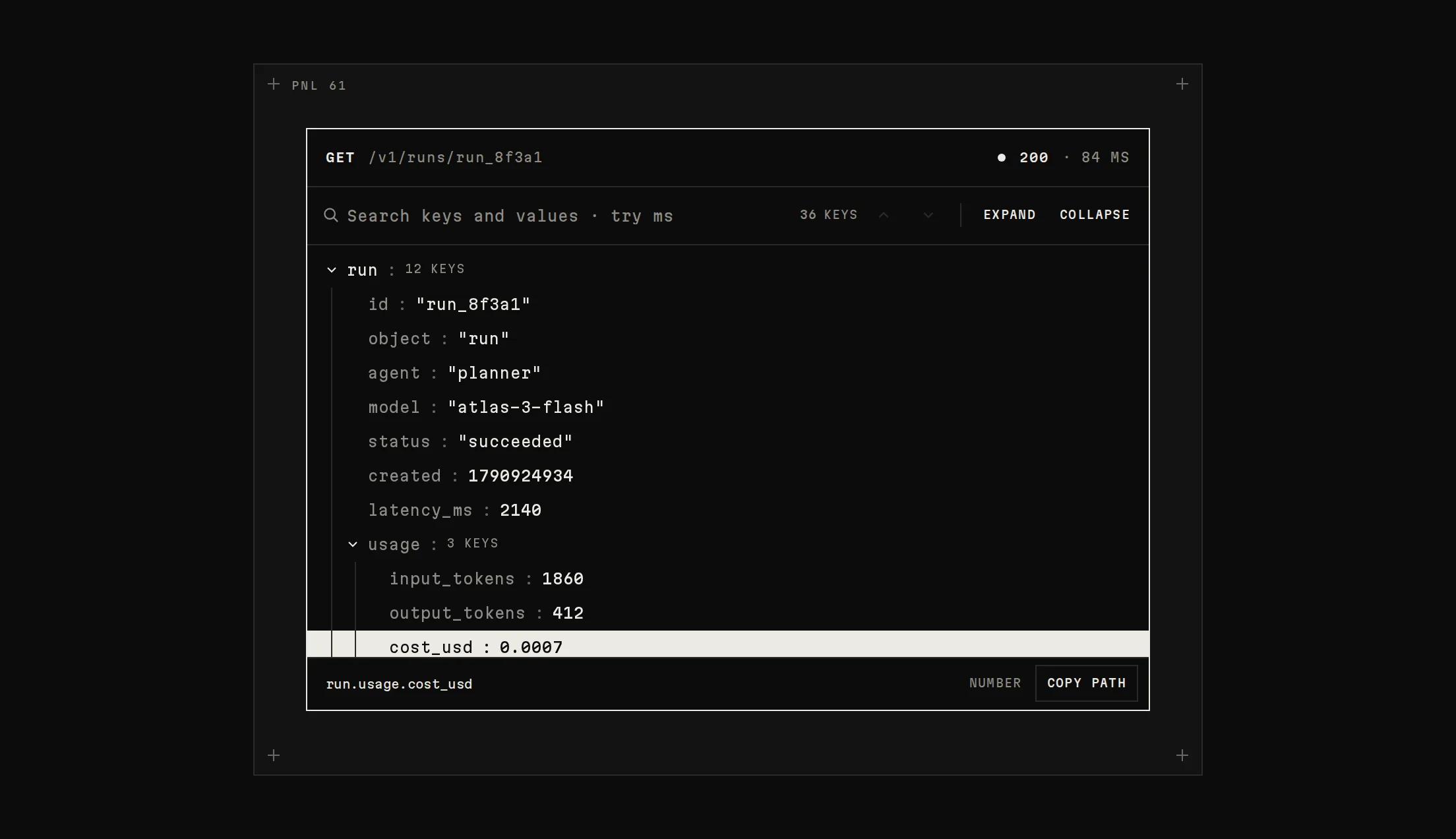
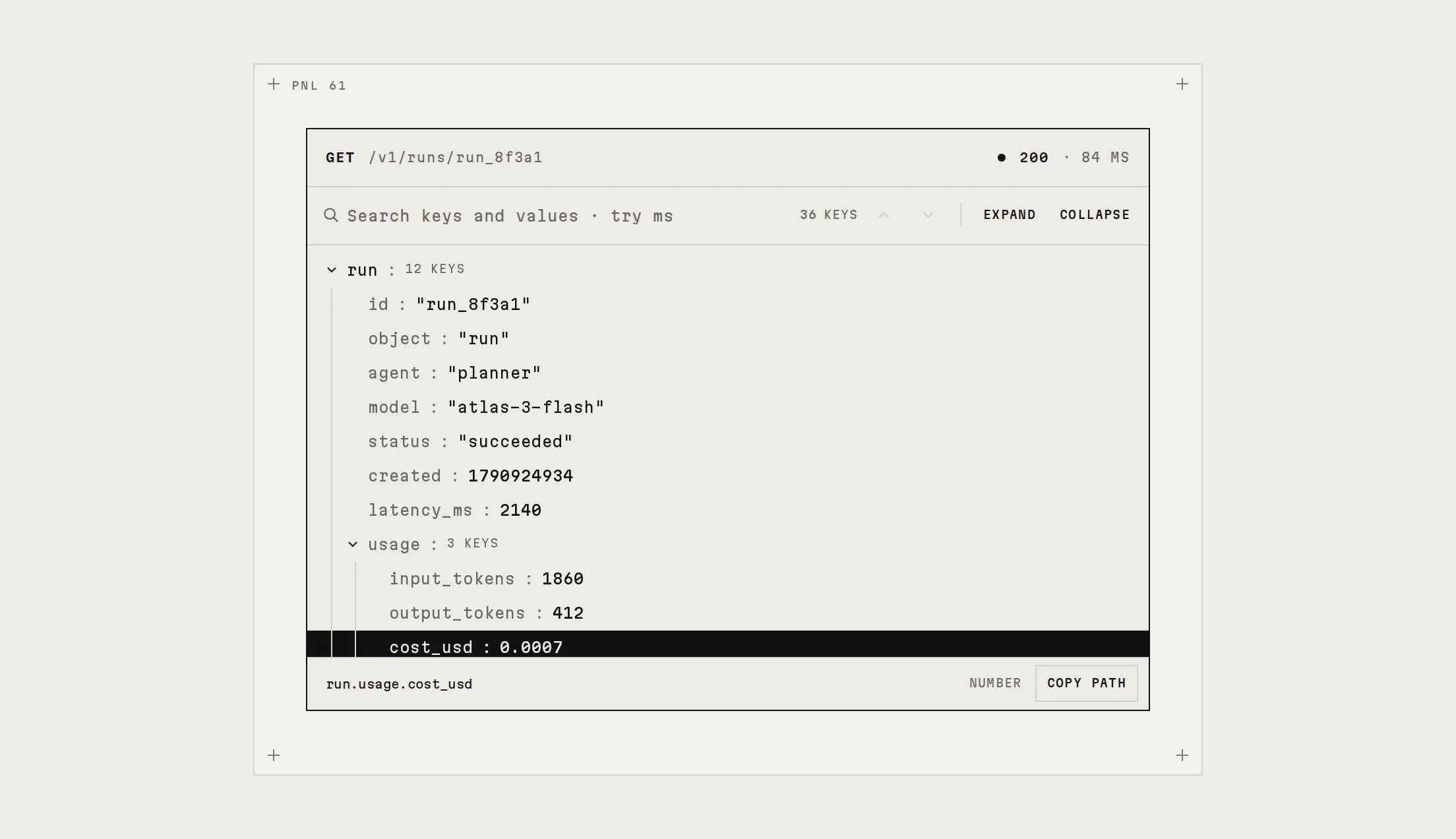
A code block with monochrome syntax (weight and shade, no colours), clickable line numbers that mark a line or a shift-click range, files that switch with a lift and settle, and a copy that flashes every line.
Live preview
Installation
Base UI
pnpm dlx shadcn@latest add https://beautiful-ui.dev/r/code-block.jsonRadix
pnpm dlx shadcn@latest add https://beautiful-ui.dev/r/radix-nova/code-block.jsonFree, no account or key. Use the command for your project's primitives: a radix-*, new-york or default style in components.json is Radix, a base-* style is Base UI. With the @beautiful-ui registry added, @beautiful-ui/<name> picks for you.
Install by hand
- 1. No extra packages: React and Tailwind CSS v4 are enough.
- 2. Copy the files to these paths (Source below, or save them all as a .zip)
- components/ui/notchset/code-block.tsx
- lib/beautiful-ui/notchset/instrument.tsx
- lib/beautiful-ui/notchset/root.ts
- lib/beautiful-ui/notchset/calendar.tsx
- 3. No stylesheet needed.
- 4. Install what it builds on first: shadcn's cn helper (lib/utils.ts, from npx shadcn init), Segmented Control, the theme foundation (its tokens and base styles)
Styles didn't apply?
The CLI adds the styles to the CSS file named in components.json (tailwind.css). Check that it points at your global stylesheet, that the project uses Tailwind CSS v4, and that the file is imported in your root layout. Installed by hand: paste styles.css into that file.
Usage
Import it and pass your content. The props that matter most are listed next.
Example
import { CodeBlock } from "@/components/ui/notchset/code-block";

const code = [
  'import { Relay } from "@relay/sdk";',
  "",
  "const relay = new Relay({ apiKey: process.env.RELAY_KEY });",
  "",
  "export async function run(prompt: string) {",
  '  const run = await relay.agents.run("planner", {',
  "    input: prompt,",
  '    tools: ["search_docs", "run_sql"],',
  "  });",
  "  return run.output;",
  "}",
].join("\n");

export function QuickstartCode() {
  return <CodeBlock files={[{ lang: "ts", label: "TS", filename: "run.ts", code, highlight: "6-9" }]} />;
}
Props
files–{ lang, label, filename, code, highlight? }[]One or more; several get a language switch.
defaultLang–stringThe file shown first.
highlight–"6-11"Lines marked at first, per file.
wrap–booleanWrap instead of scrolling sideways.
onCopy–(code) => voidAfter copying.
Source
components/ui/notchset/code-block.tsx
Loading the code