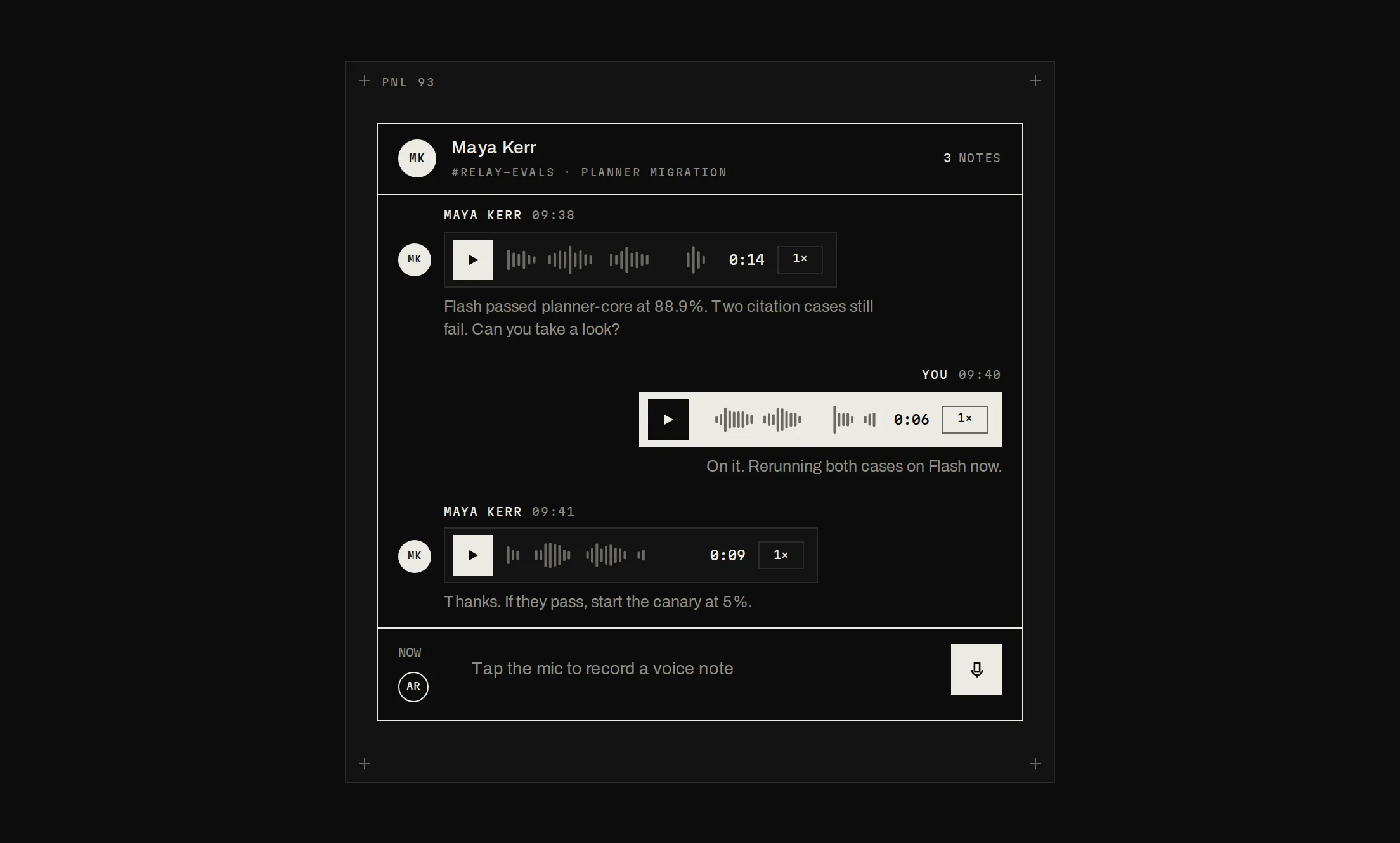
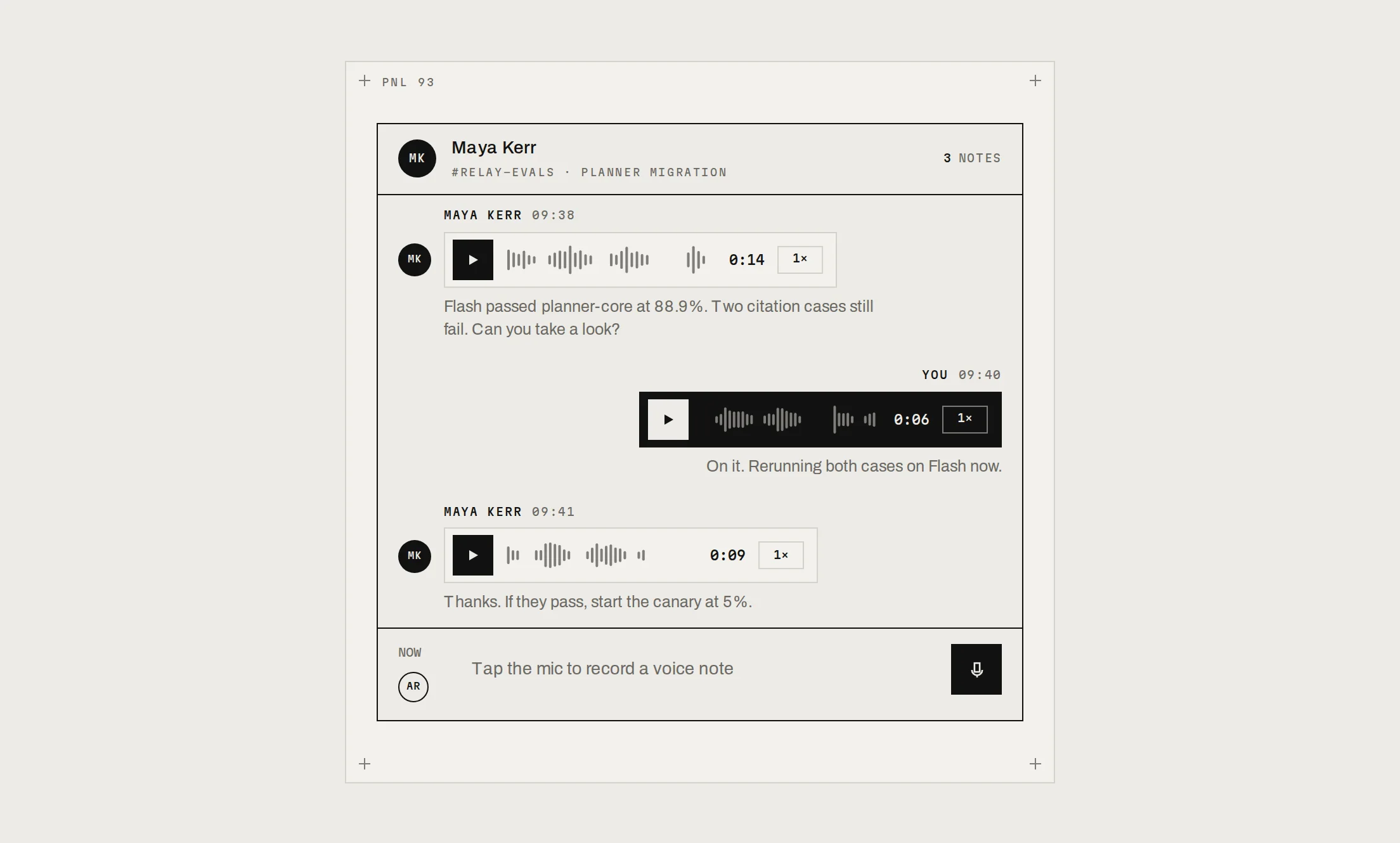
Chat App
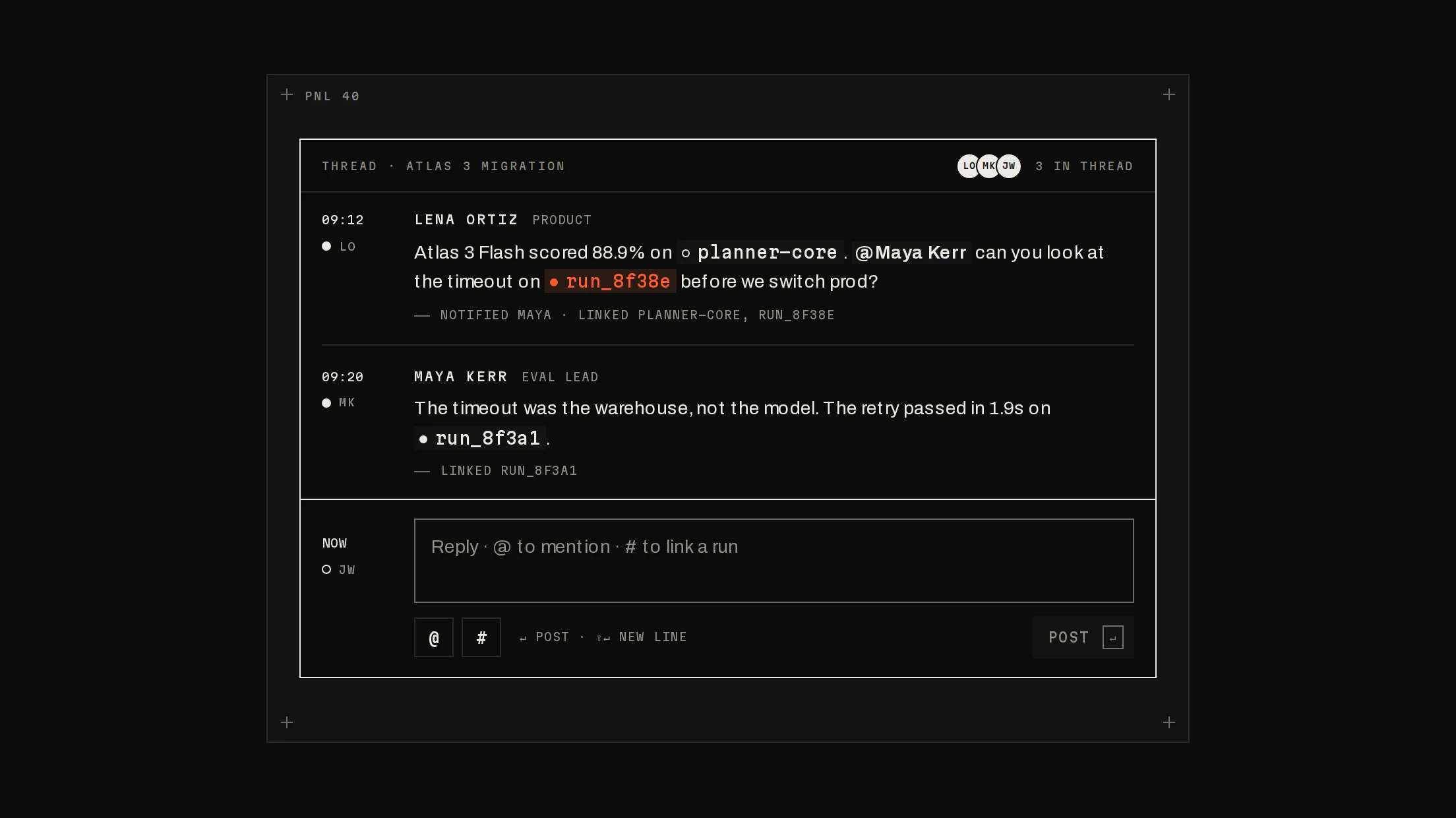
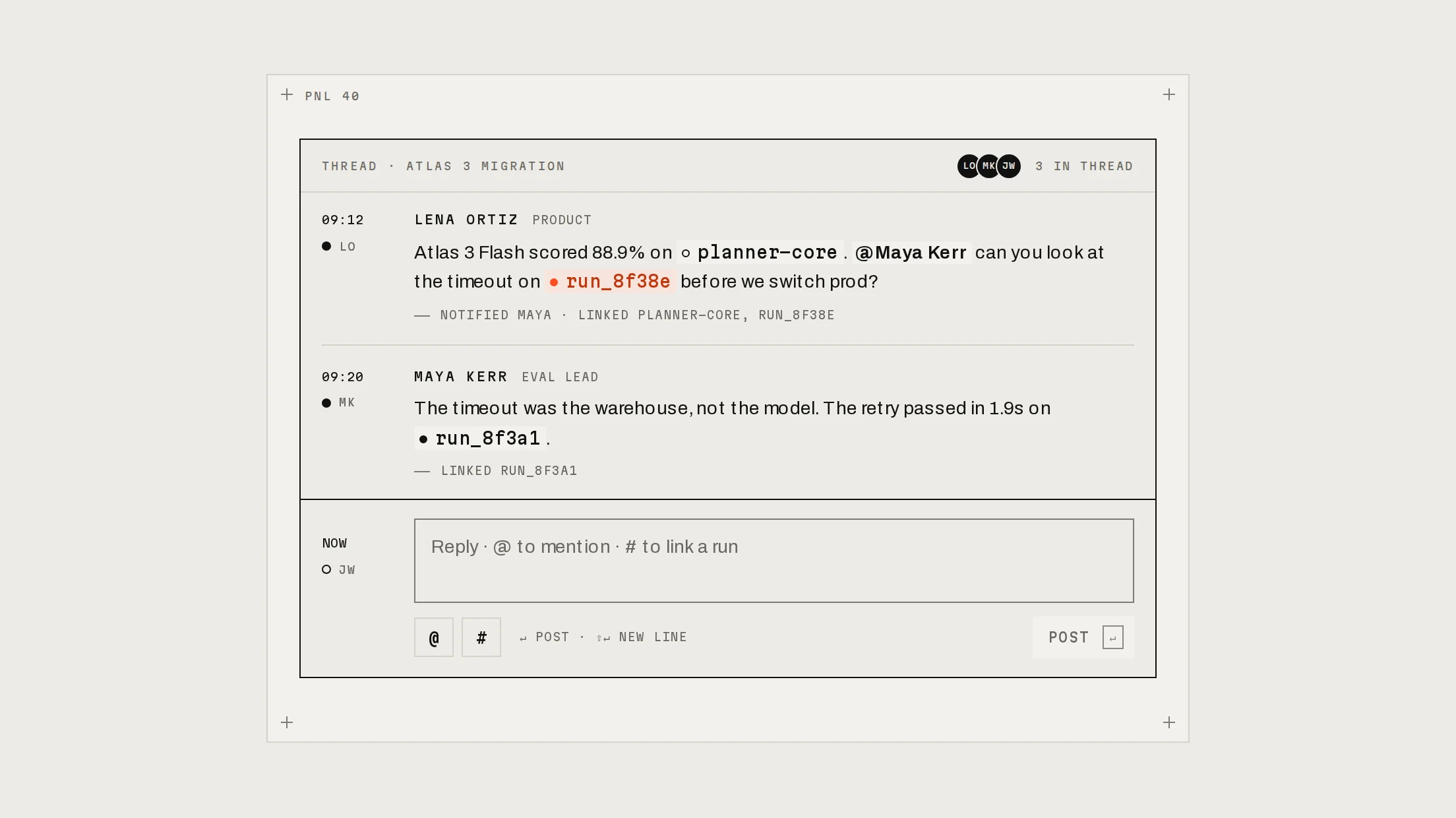
Prov1.0.0A full assistant chat workspace: history, threads with sources, and context.
Build for your project
Code/install build
Usage
Import it and pass your content. The props that matter most are listed next.
Example
"use client";

import * as React from "react";
import { ChatApp, type ChatMessage } from "@/components/ui/notchset/blocks/chat-app";

const models = [{ id: "flash", name: "ATLAS 3 FLASH", label: "Atlas 3 Flash", price: "$0.0007 / RUN", quality: 0.6, speed: 0.85 }];

export function Assistant() {
  const [messages, setMessages] = React.useState<ChatMessage[]>([]);
  const [active, setActive] = React.useState<string | null>(null);
  return (
    <ChatApp
      org="ACME LABS"
      user={{ name: "Maya Kerr", initials: "MK" }}
      threads={active ? [{ id: active, title: "New chat", group: "TODAY", time: "NOW", questions: 1 }] : []}
      activeThreadId={active}
      onNewChat={() => {
        setActive(null);
        setMessages([]);
      }}
      messages={messages}
      models={models}
      model="flash"
      contextSources={[]}
      context={[]}
      suggestions={[{ kind: "EVALS", text: "Which suites got worse?", reads: "READS 1,200 CASES" }]}
      onSend={({ text }) => {
        // Post to your API here; stream the answer into the assistant message's paragraphs.
        setActive("t1");
        setMessages((m) => [...m, { id: String(m.length), role: "user", text }, { id: `${m.length}a`, role: "assistant", status: "checking", paragraphs: [] }]);
      }}
    />
  );
}
Props
org / user / logo–string / { name, initials } / ReactNodeWhose workspace, who is asking, and the rail's mark.
threads–{ id, title, group, time, questions }[]History, grouped by group in the order groups first appear. A thread that arrives after mount types its title in.
activeThreadId / onSelectThread / onNewChat–string | nullnull shows the empty state.
messages–({ id, role: 'user', text, context? } | { id, role: 'assistant', status, source?, paragraphs, table?, meta?, followUps? })[]The active thread. Grow paragraphs as an answer streams; status done reveals copy, meta and follow-ups.
models / model / onModelChange–{ id, name, label, price, quality, speed }[]quality and speed are 0–1 for the meters.
contextSources / context / onContextChange–{ id, label, detail }[] / string[]What the next message reads; chosen ones become chips in the composer.
Show all 10 propsShow fewer
suggestions–{ kind, text, reads }[]The empty state's ledger; keys 1–4 pick the first four.
onSend–({ text, model, context }) => voidCalled on send, a suggestion or a follow-up.
usage–{ tokens, cost, limit, alertAt? }Today's spend in the aside; alertAt (0–1, default 0.8) is marked in signal.
eyebrow / headline / placeholder–stringThe empty state's words and the composer's hint.
Anatomy
- One block; you own threads, messages and sending.
- Stream by growing an answer's paragraphs; the block shows what you pass.
- Model and context choices come back with every send.
ChatAppdata-slot="chat-app"The block: rail, history, thread, composer and aside.
Source
components/ui/notchset/blocks/chat-app.tsx
This component is included with Pro.
Try the live preview above. Get Pro to install the source.
Build for your project
Code/install build
Installation
pnpm dlx shadcn@latest add @beautiful-ui-pro/chat-appNeeds your registry key. Your components.json style picks the Base UI or Radix build: radix-*, new-york and default get Radix, base-* gets Base UI.
Styles didn't apply?
The CLI adds the styles to the CSS file named in components.json (tailwind.css). Check that it points at your global stylesheet, that the project uses Tailwind CSS v4, and that the file is imported in your root layout. Installed by hand: paste styles.css into that file.
For coding agents
Give your coding assistant the Markdown guide instead of screenshots.
Use it for
- A full-page assistant over your product's data, with history and model choice
- An internal tool where answers must show what they read
Use something else when
- An assistant inside another page: use Assistant Panel
- A support widget with a single thread: a smaller composer fits better
Mistakes to avoid
- Keep the answer's status at streaming until the last token: done is what reveals copy and follow-ups
- Give the block a height (it is 660px by default) so the log, not the page, scrolls
Agents find it by
- chat app, AI chat, assistant workspace, chat history, model picker, chat with data, LLM chat UI, Notchset
Where agents read it
- Guide for this component: https://beautiful-ui.dev/md/chat-app.md
- Every component, for tools without MCP: /llms.txt
- MCP server:
https://beautiful-ui.dev/api/mcp(setup)
Behaviour
Keyboard
- 1–4
- Pick a suggestion from the empty state (not while typing)
- Enter / Shift+Enter
- Send / new line (ignored while composing with an IME)
- Esc
- Close the history drawer
- ↑ ↓
- Move between models
Accessibility
- The rail is a nav; history is a dialog that takes focus on open and returns it to the history button when closed with Esc, its close button or a chosen chat; a press outside closes it too
- The thread is a log (focusable, polite); an answer is aria-busy until it is done
- Models are a radio group with arrow keys; context sources are checkboxes; the aside is a labelled complementary region
- Suggestion keys are announced (aria-keyshortcuts 1–4); a title typing in keeps its full text for screen readers
Motion
- History
- Slides out over the content (380ms), back in faster (260ms)
- First send
- The empty state lifts 16px and fades; the thread fades in
- New chat in history
- The row grows in and its title types itself with a block caret
- Answer
- The scanner while checking, then the words as you stream them; table and follow-ups rise in when done
- Aside
- The model dot pops (300ms); context checks draw (240ms); today's tokens roll
Responsive
- Container queries: the aside narrows to 216px under 900px and hides under 640px; under 480px the ledger drops its category column.
Performance
- Plain DOM; the log follows new words only while the reader is at the bottom. Nothing animates per frame.
Changelog
v1.0.0 · 2026-10-03
First release
Part of
Included with Pro
Pro is in early access.