Fleet Zoom
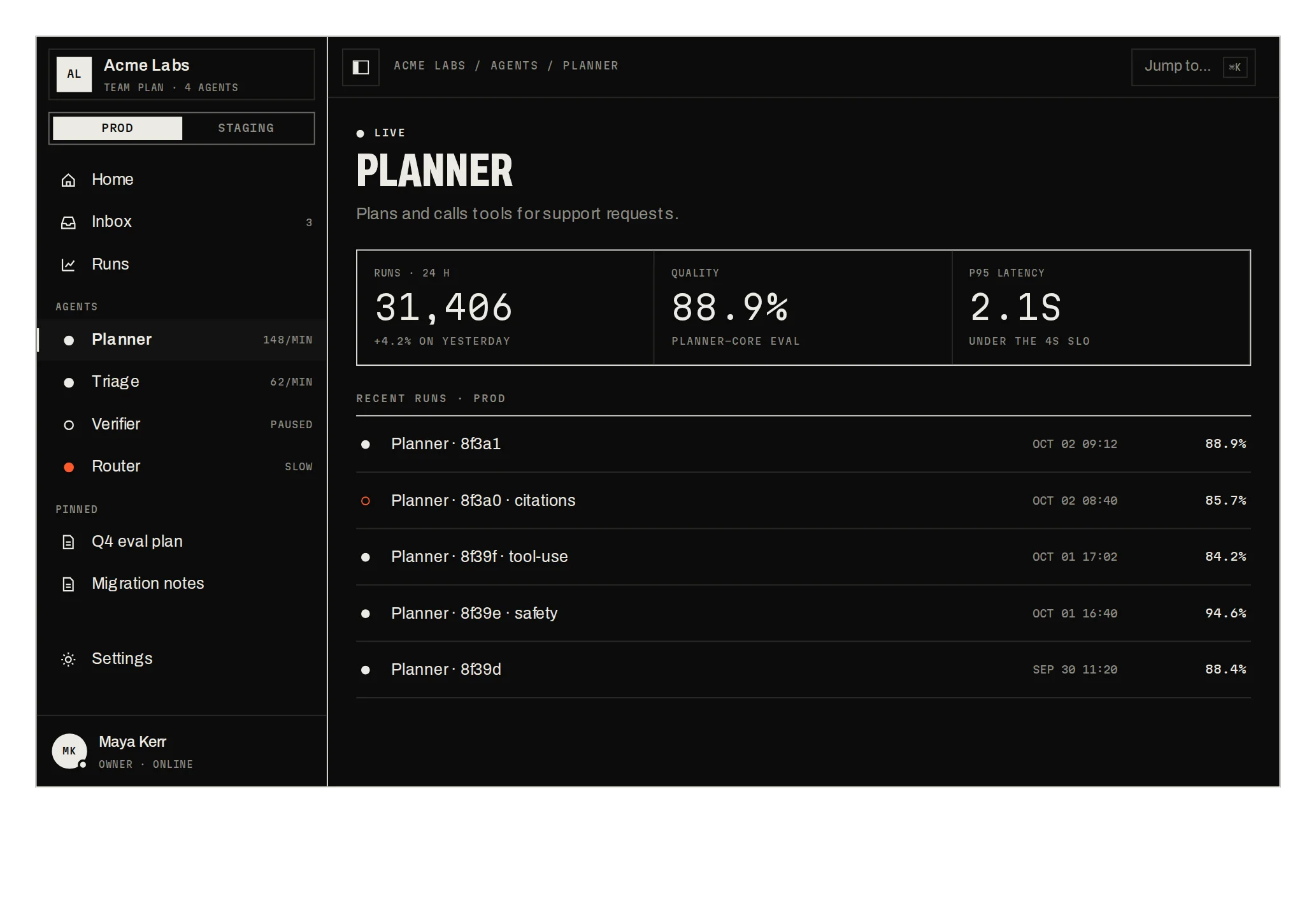
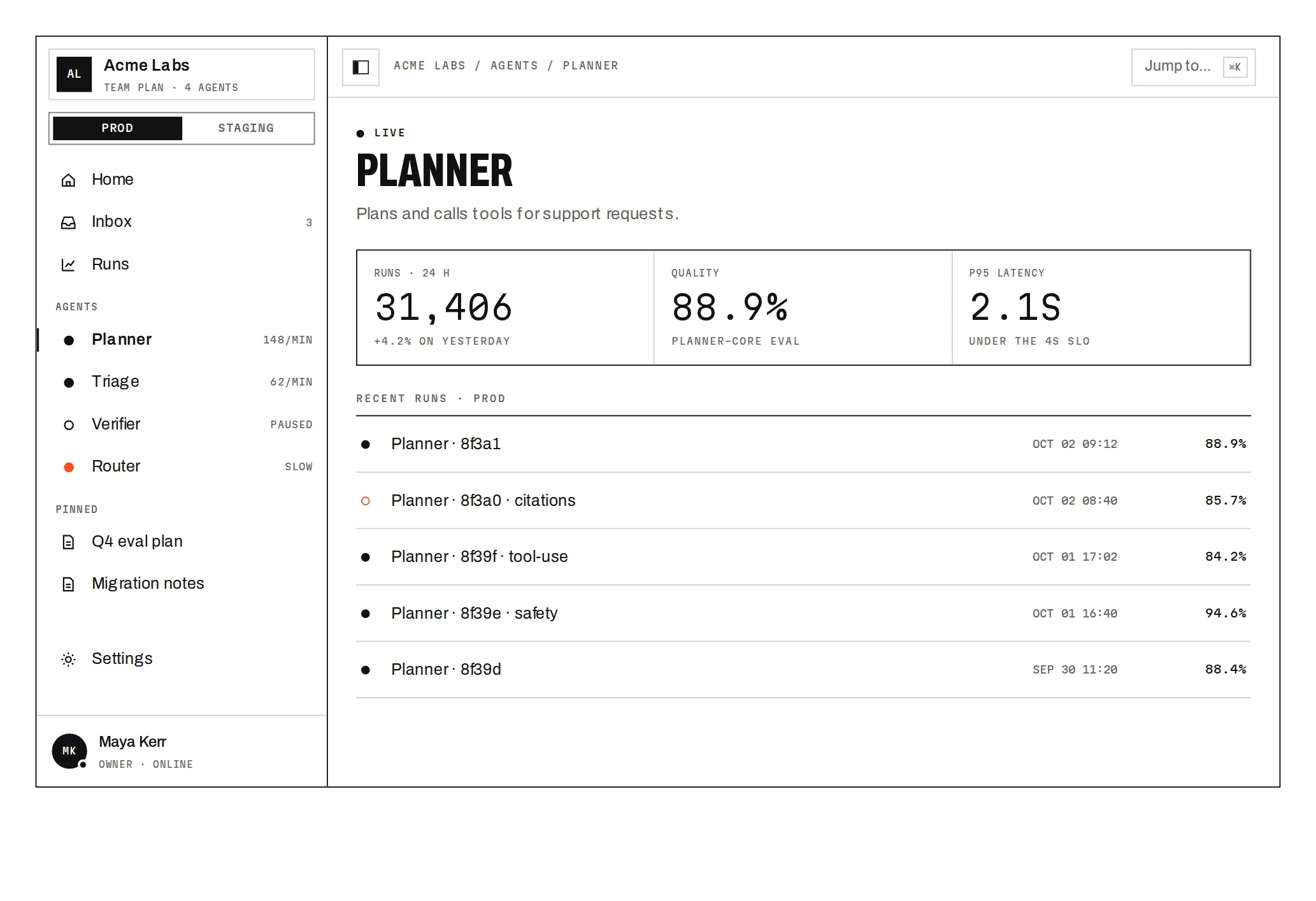
Prov1.0.0Zoom from the whole fleet to one failing run on one map, with semantic zoom and a guided tour.
Build for your project
Code/install build
Usage
Import it and pass your content. The props that matter most are listed next.
Example
import { FleetZoom, type FleetRun, type FleetTeam } from "@/components/ui/notchset/blocks/fleet-zoom";

export function Fleet({ teams }: { teams: FleetTeam[] }) {
  return <FleetZoom workspace="Acme Labs" teams={teams} onOpenTrace={(run: FleetRun) => window.open(`/runs/${run.id}`)} />;
}
Props
teams–{ id, name, agents: { id, name, quality, p95, runs: { id, name, status, duration, tokens, cost, error? }[] }[] }[]status is ok, failed or running; duration in seconds.
workspace–stringThe root of the breadcrumb and the first level.
threshold / onOpenTrace–number / (run) => voidQuality below threshold reads in signal (85); OPEN TRACE → on a run.
Anatomy
- Team meta appears once a team is 300px wide on screen; runs once an agent is 200px wide.
- A failed run shows TIMEOUT and colours its agent's dot when zoomed out.
- Dragging never counts as a click.
FleetZoomdata-slot="fleet-zoom"Breadcrumb and tour, the zoomable map with its controls, and the aside.
Source
components/ui/notchset/blocks/fleet-zoom.tsx
This component is included with Pro.
Try the live preview above. Get Pro to install the source.
Build for your project
Code/install build
Installation
pnpm dlx shadcn@latest add @beautiful-ui-pro/fleet-zoomNeeds your registry key. Your components.json style picks the Base UI or Radix build: radix-*, new-york and default get Radix, base-* gets Base UI.
Styles didn't apply?
The CLI adds the styles to the CSS file named in components.json (tailwind.css). Check that it points at your global stylesheet, that the project uses Tailwind CSS v4, and that the file is imported in your root layout. Installed by hand: paste styles.css into that file.
For coding agents
Give your coding assistant the Markdown guide instead of screenshots.
Use it for
- Drilling from an organisation down to one failing job on one screen
- A fleet small enough to draw: a few teams and dozens of agents
Use something else when
- Thousands of nodes: use a canvas or a table with filters
- Flat lists: use a data table
Mistakes to avoid
- Keep runs per agent to about a dozen; they are drawn as boxes
- Wheel zoom captures the wheel over the map; keep the map away from the page's main scroll path on phones
Agents find it by
- zoomable map, semantic zoom, fleet overview, drill down, treemap navigation, infrastructure map, agent fleet, Notchset
Where agents read it
- Guide for this component: https://beautiful-ui.dev/md/fleet-zoom.md
- Every component, for tools without MCP: /llms.txt
- MCP server:
https://beautiful-ui.dev/api/mcp(setup)
Behaviour
Keyboard
- Arrows
- Pan the map
- + / −
- Zoom
- 0
- Fit the whole fleet
- Esc
- Up one level
- Tab then Enter
- Fly to a team, agent or run
Accessibility
- The map is a labelled application region that names its keys; teams and agents are buttons, runs become reachable once their agent is focused
- The breadcrumb is a nav whose last item is aria-current; the aside is a polite live region
Motion
- Fly
- Every box glides to the new camera (700ms)
- Tour
- Team → agent → failed run → fleet, 2.2s a step
- Aside
- The headline value rolls and its bar glides
Responsive
- Under 820px (container width) the aside moves under the map.
Performance
- Only boxes in view are drawn, and runs only inside agents wide enough to show them.
Changelog
v1.0.0 · 2026-10-04
First release
Part of
Included with Pro
Pro is in early access.