FOR SHADCN/UI · REACT · BASE UI OR RADIX
React components, ready for your app.
Components, charts and blocks for shadcn/ui. Preview them live, then install the source into your project.
48 free components and blocks. No account needed.
COMPONENTS
Every example is live. Press it, type in it, switch it.
The shadcn components you know, installed and composed the shadcn way, drawn in each system's own light, motion and sound. Where an API goes beyond shadcn's, its page says so.
STORY CHARTS
Charts that tell the story.
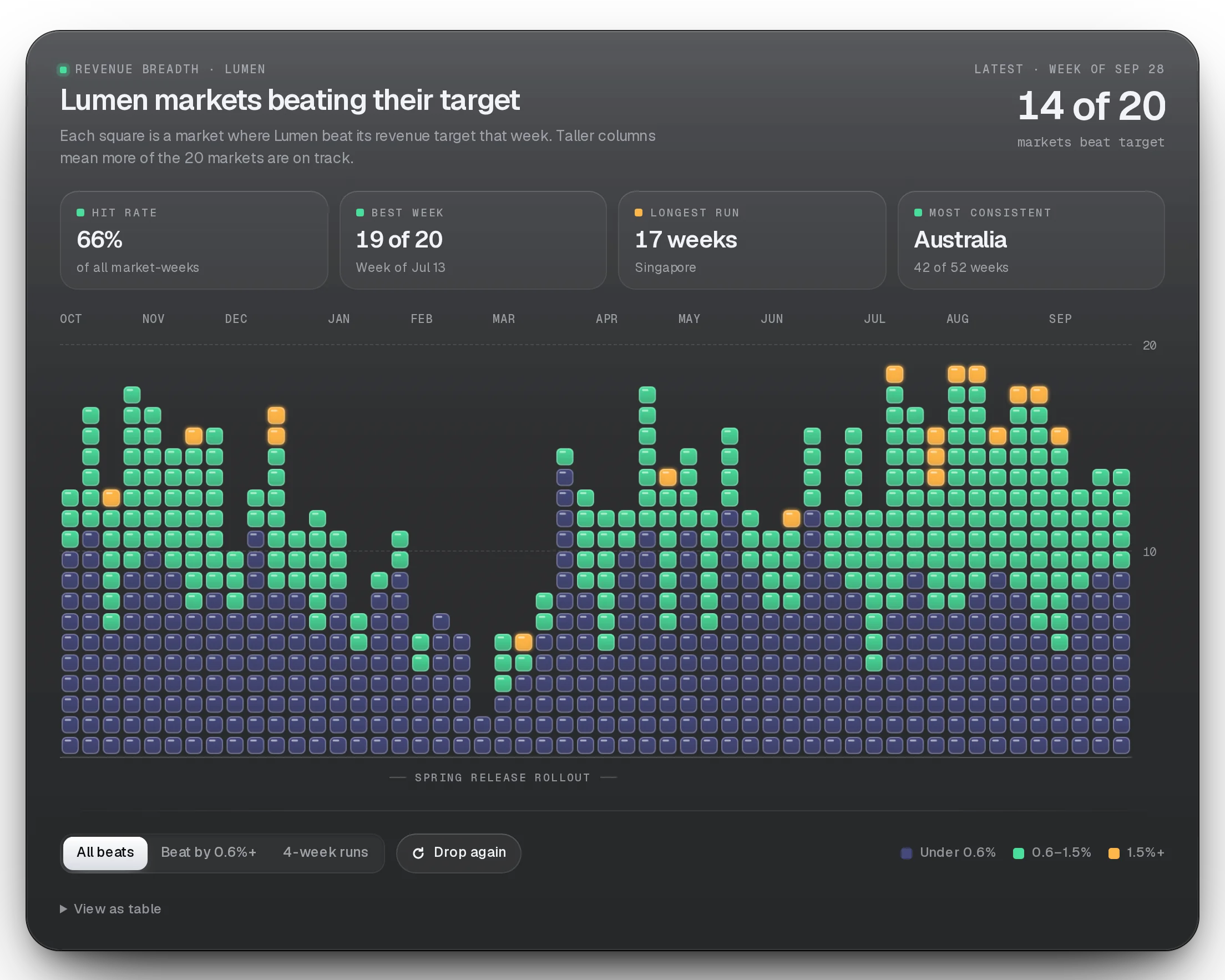
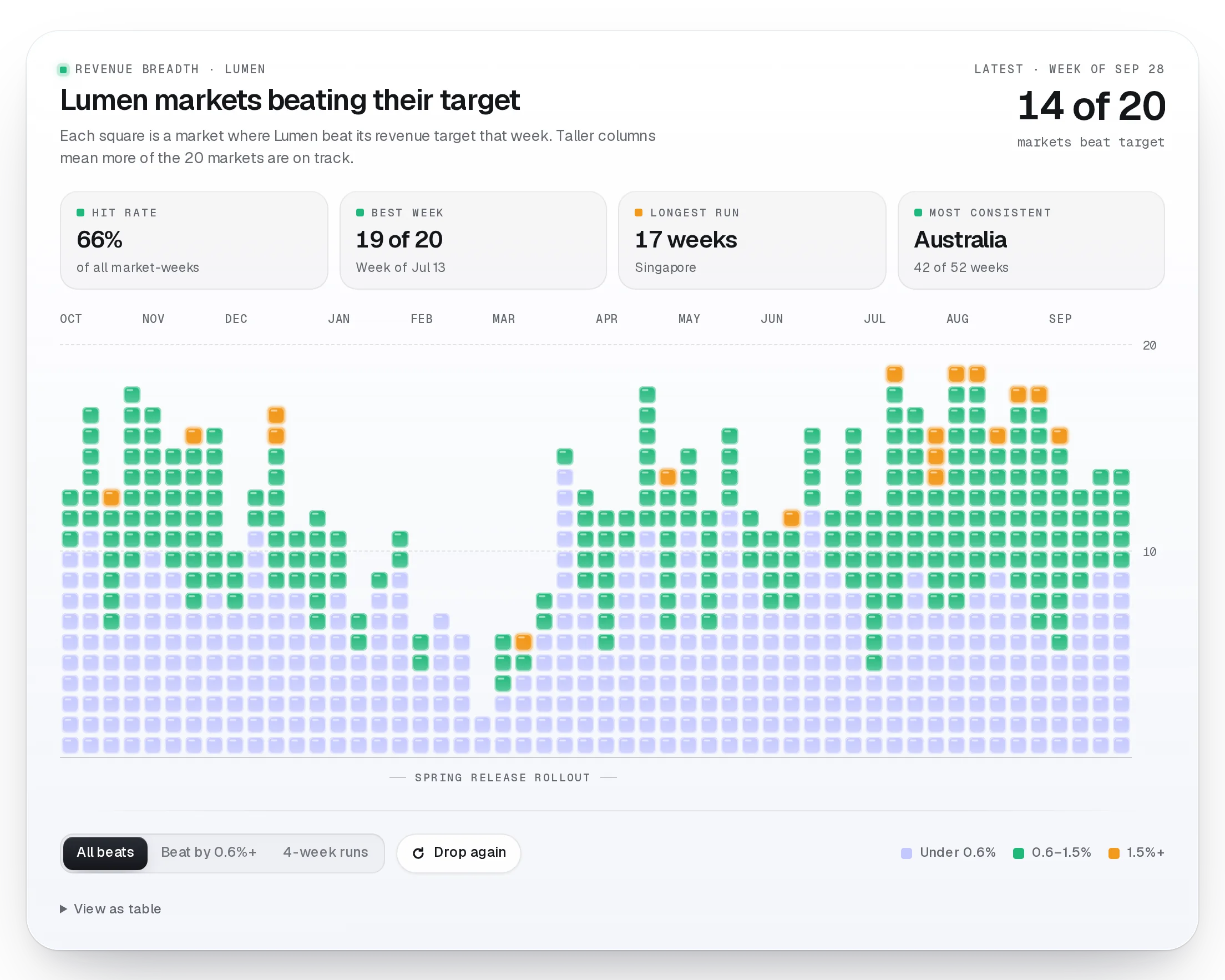
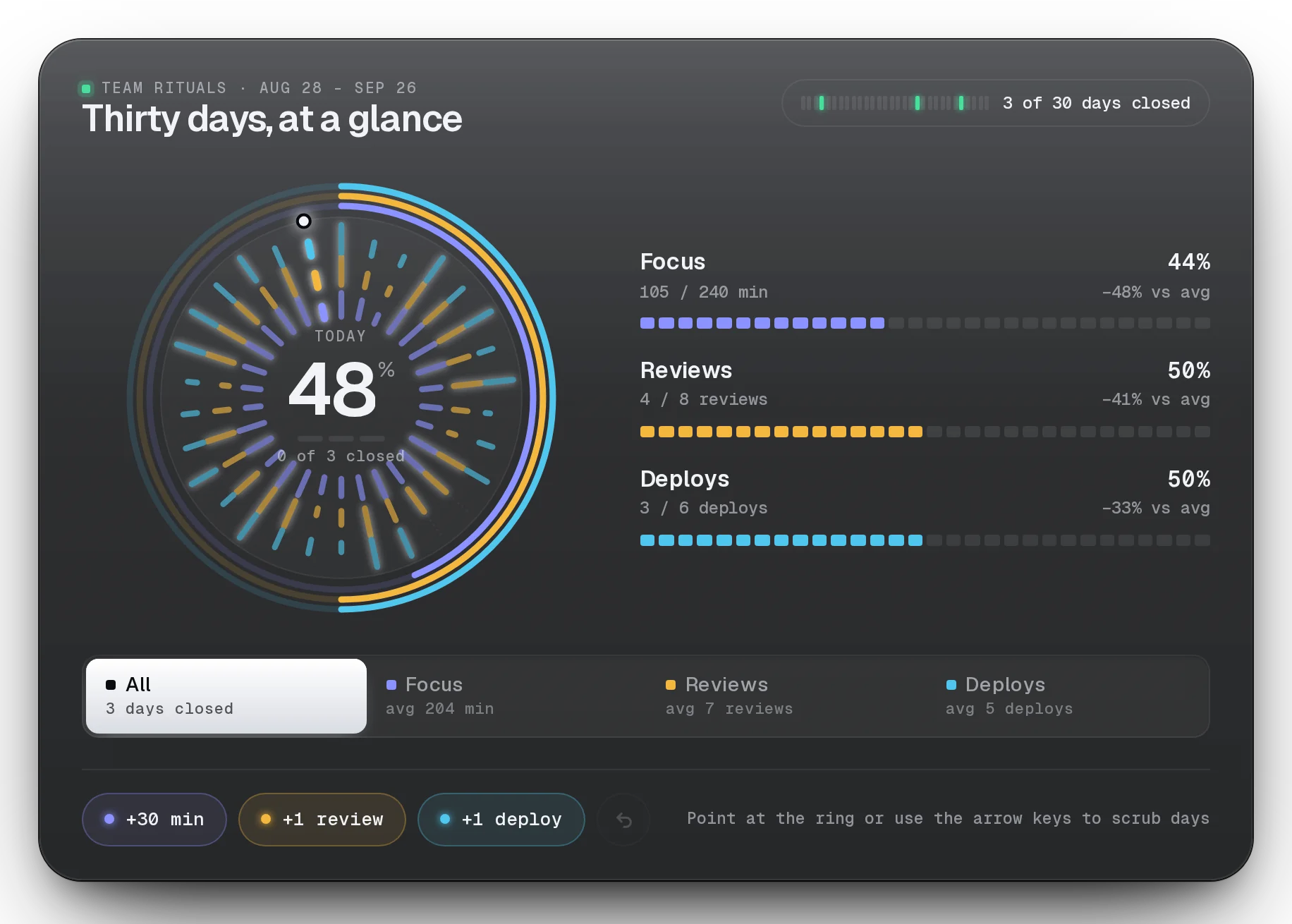
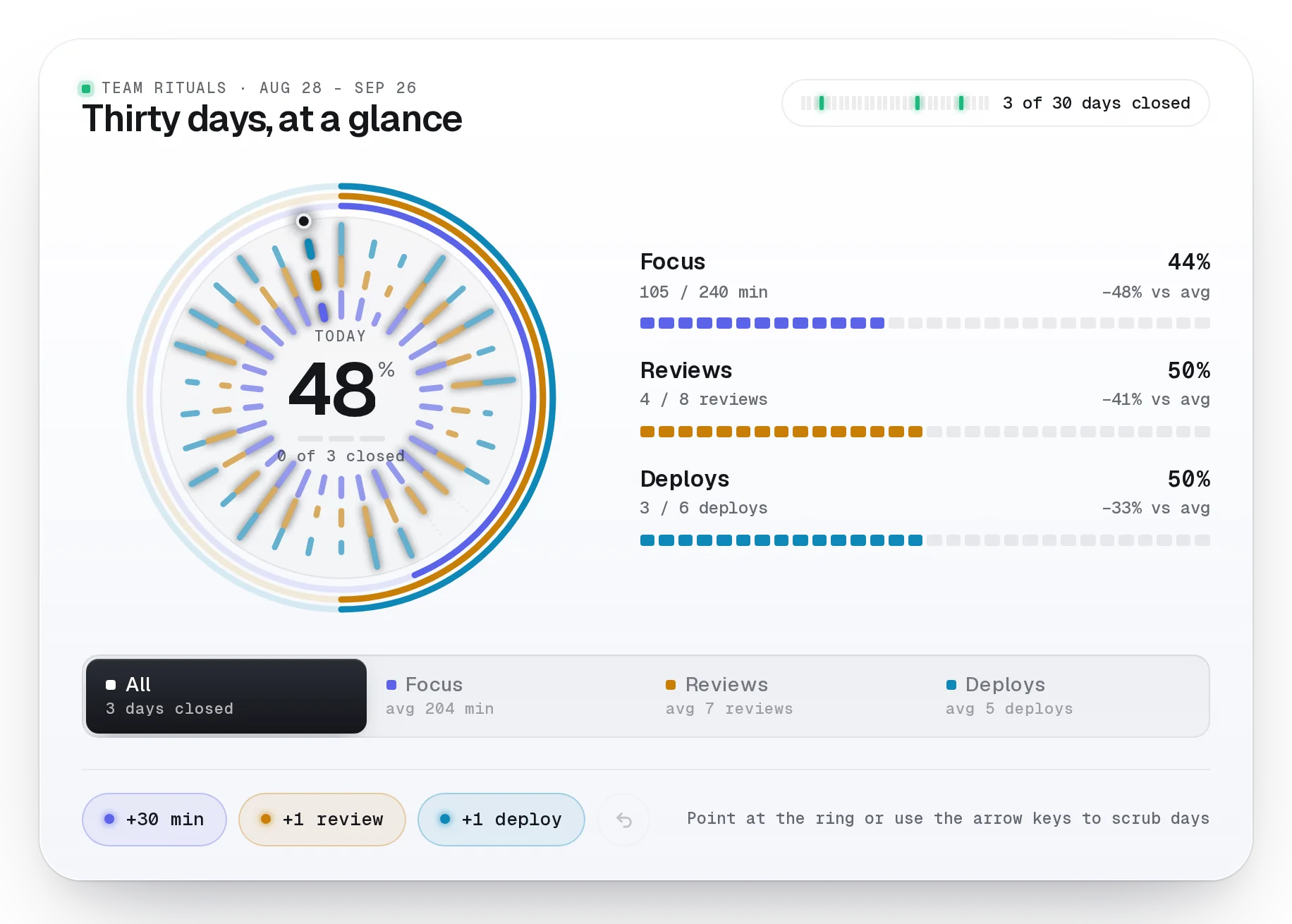
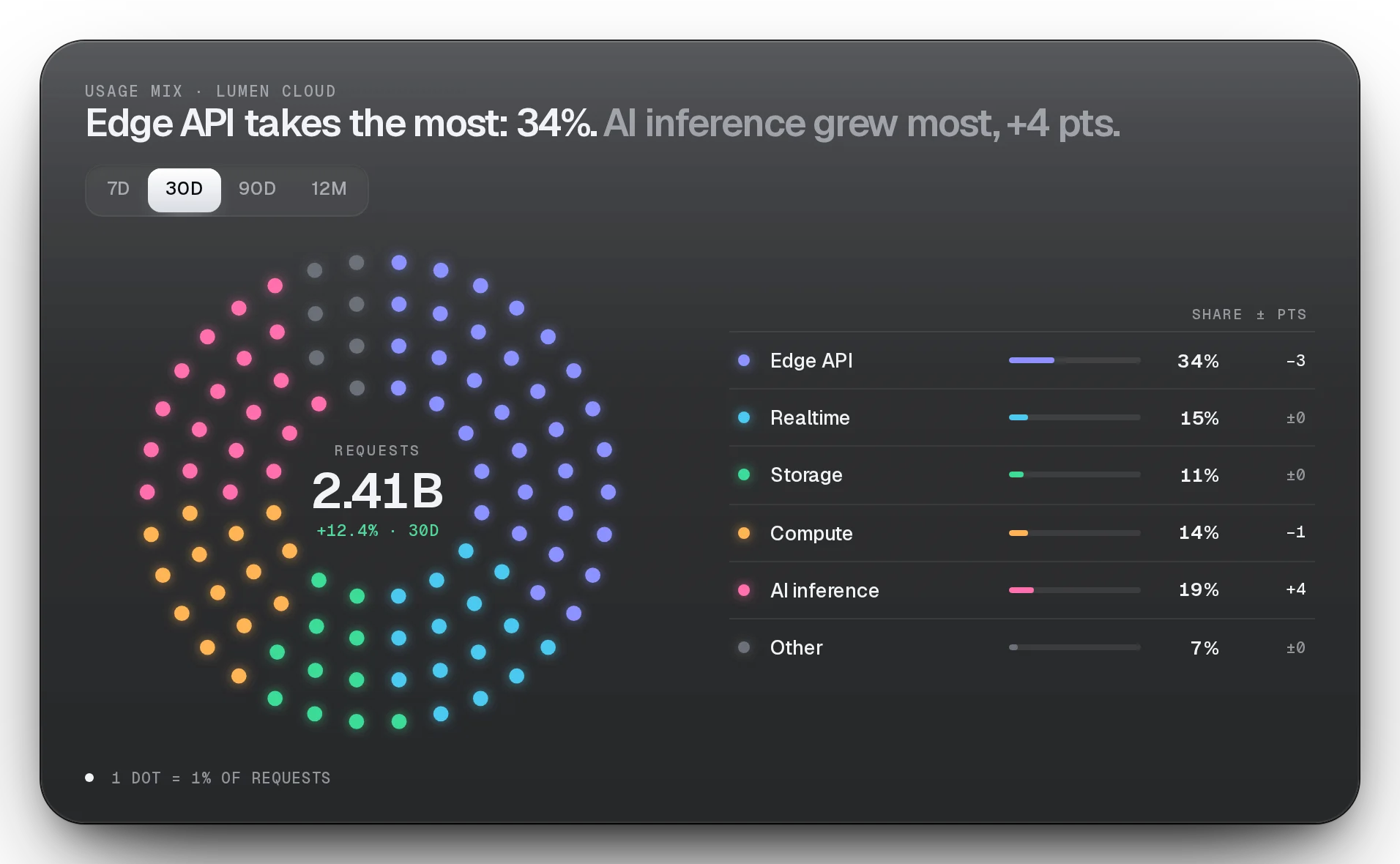
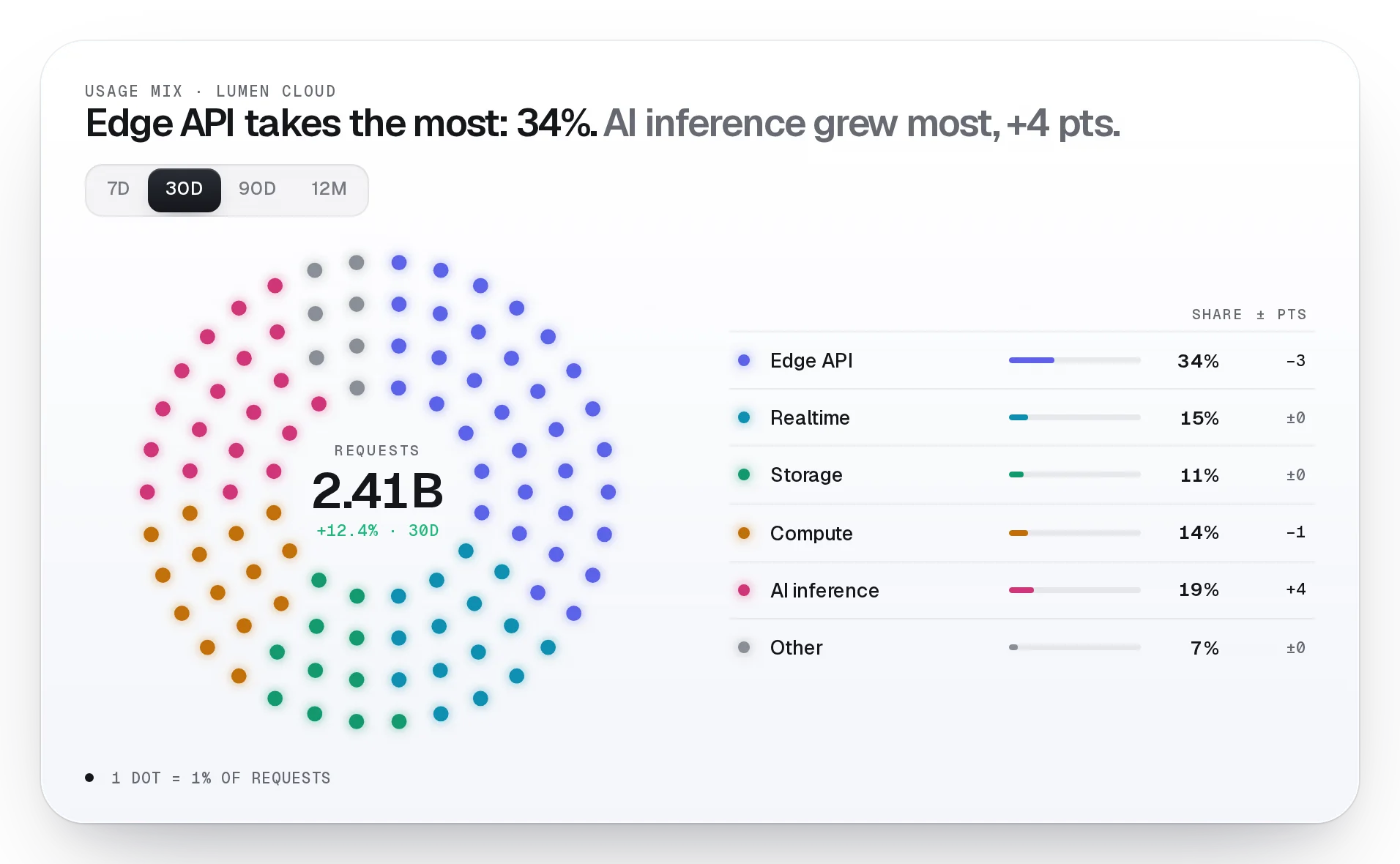
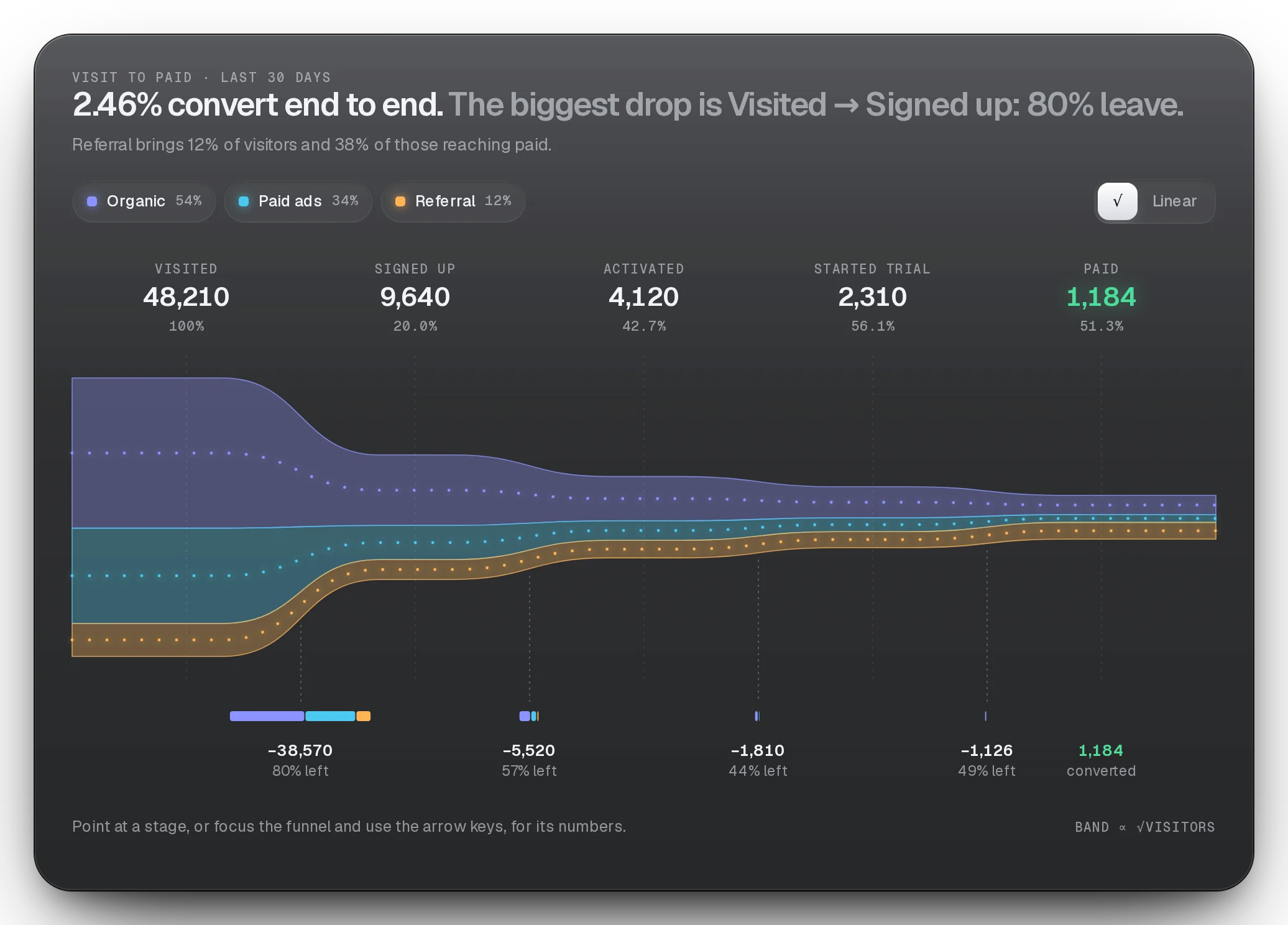
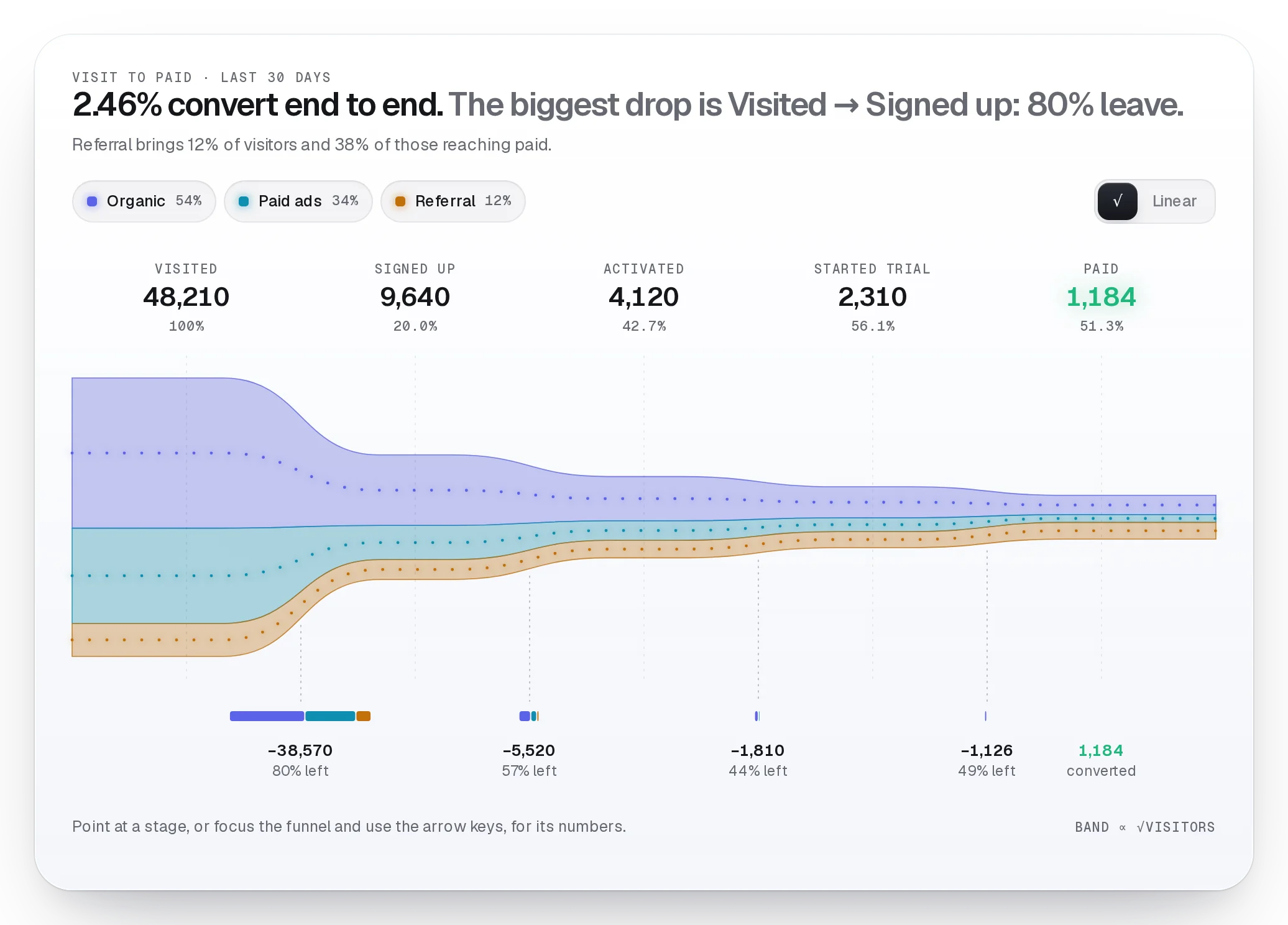
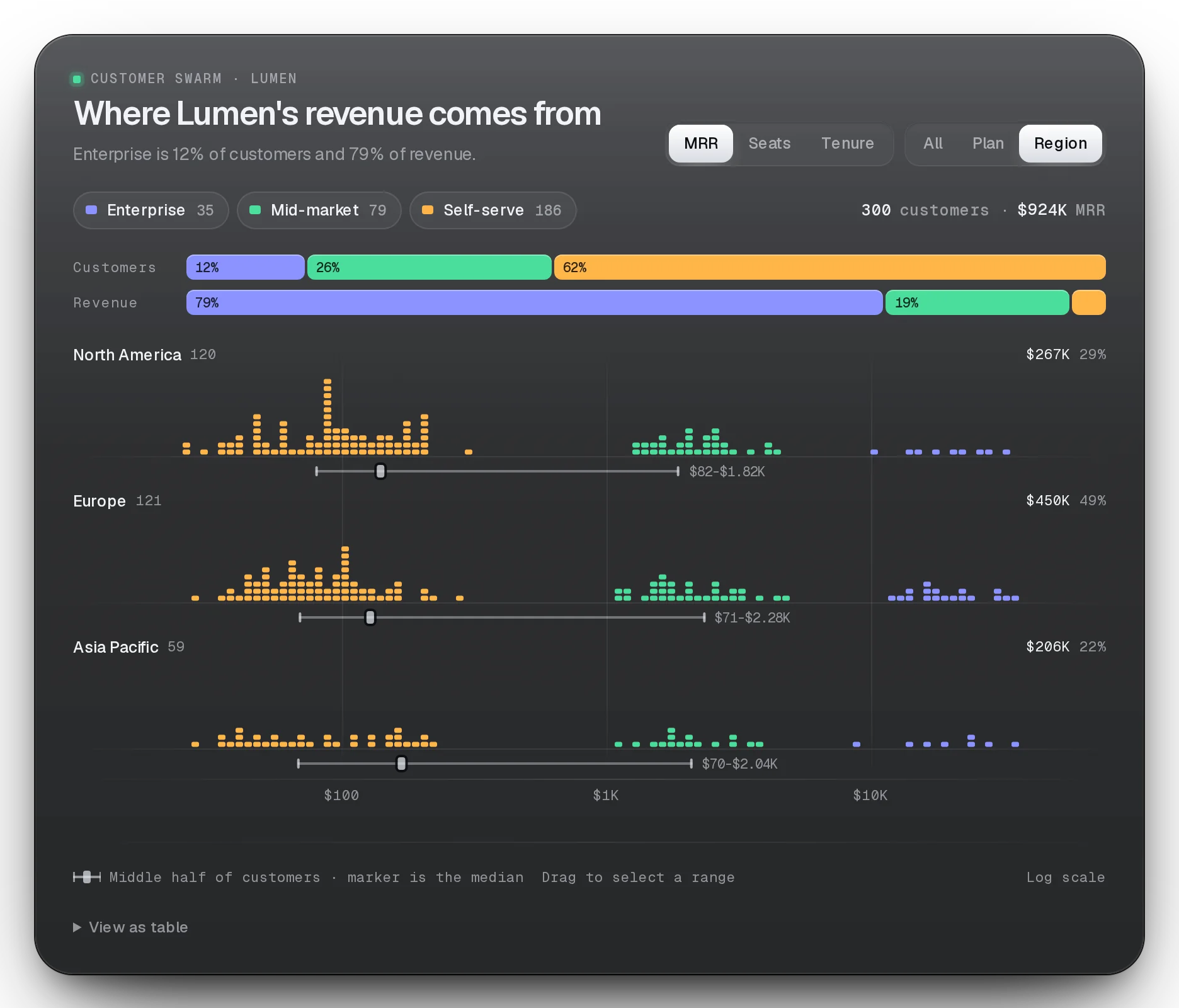
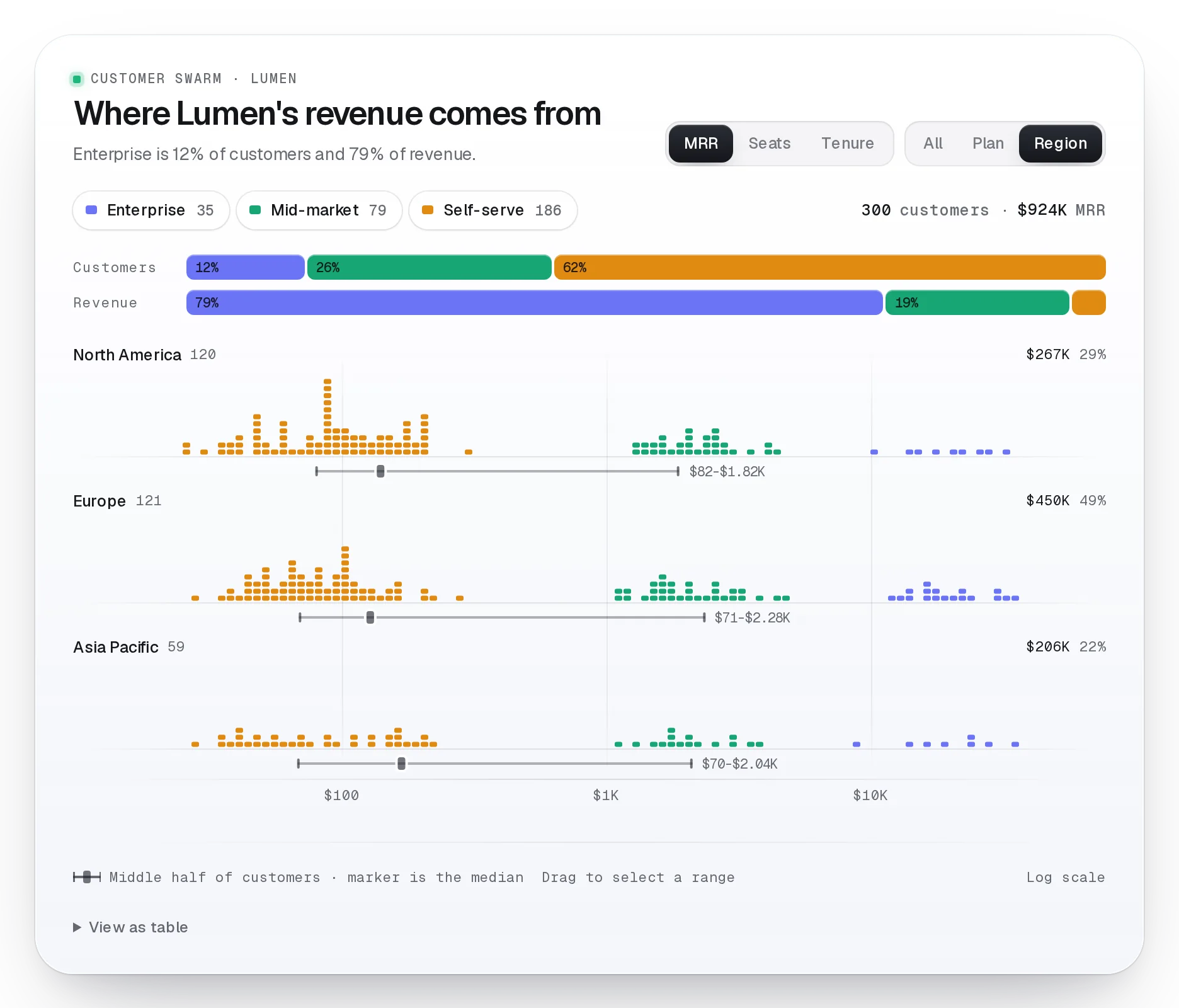
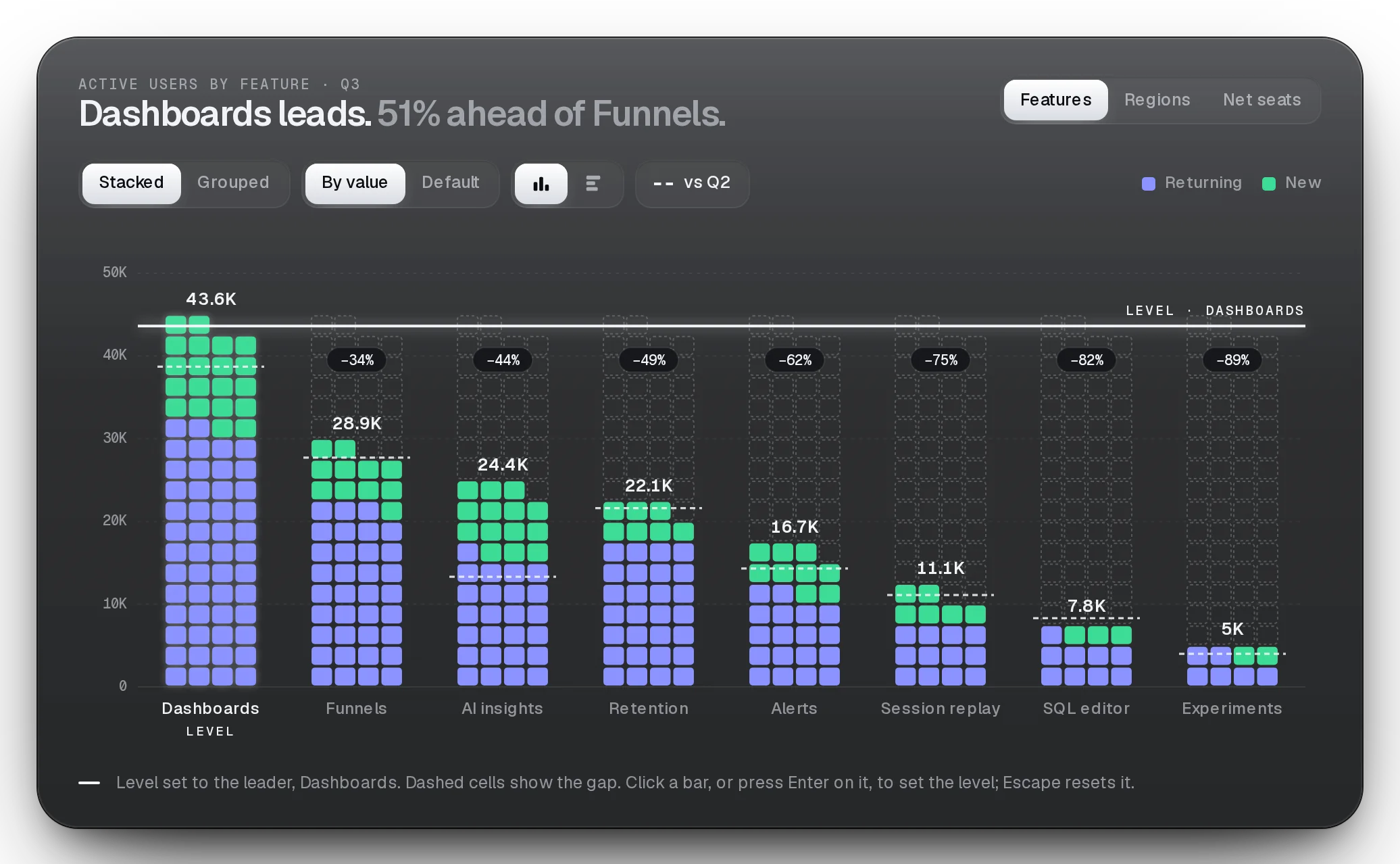
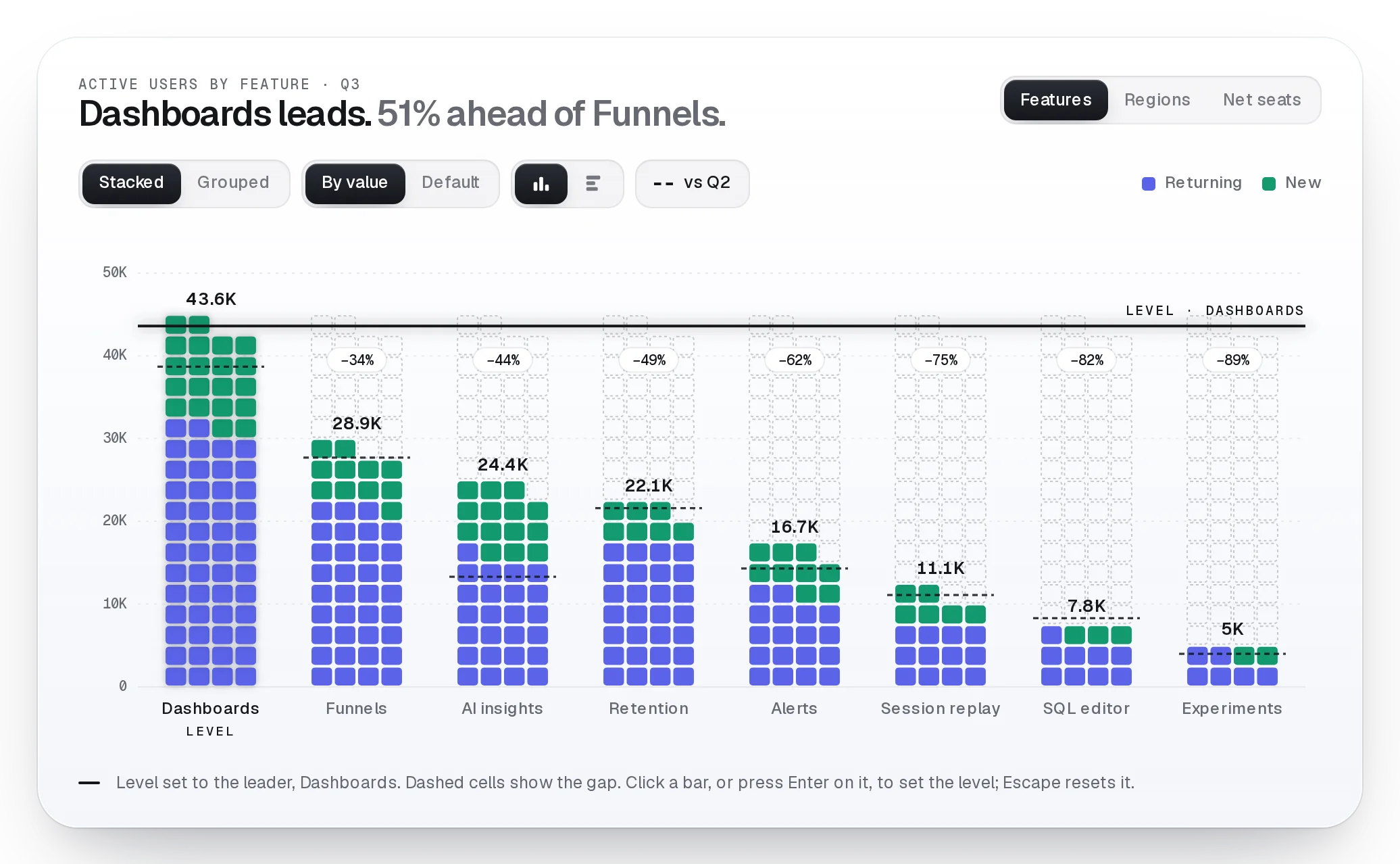
Orbit, Breadth, Swarm, Funnel. Each one built to make a number understood in seconds and remembered after.
- How is the total split?Orbit
- Where do people drop off?Flow Funnel
- How many hit the target?Market Breadth
- Which group is different?Customer Swarm, Cell Bars
- Are we closing the goal?Day Rings
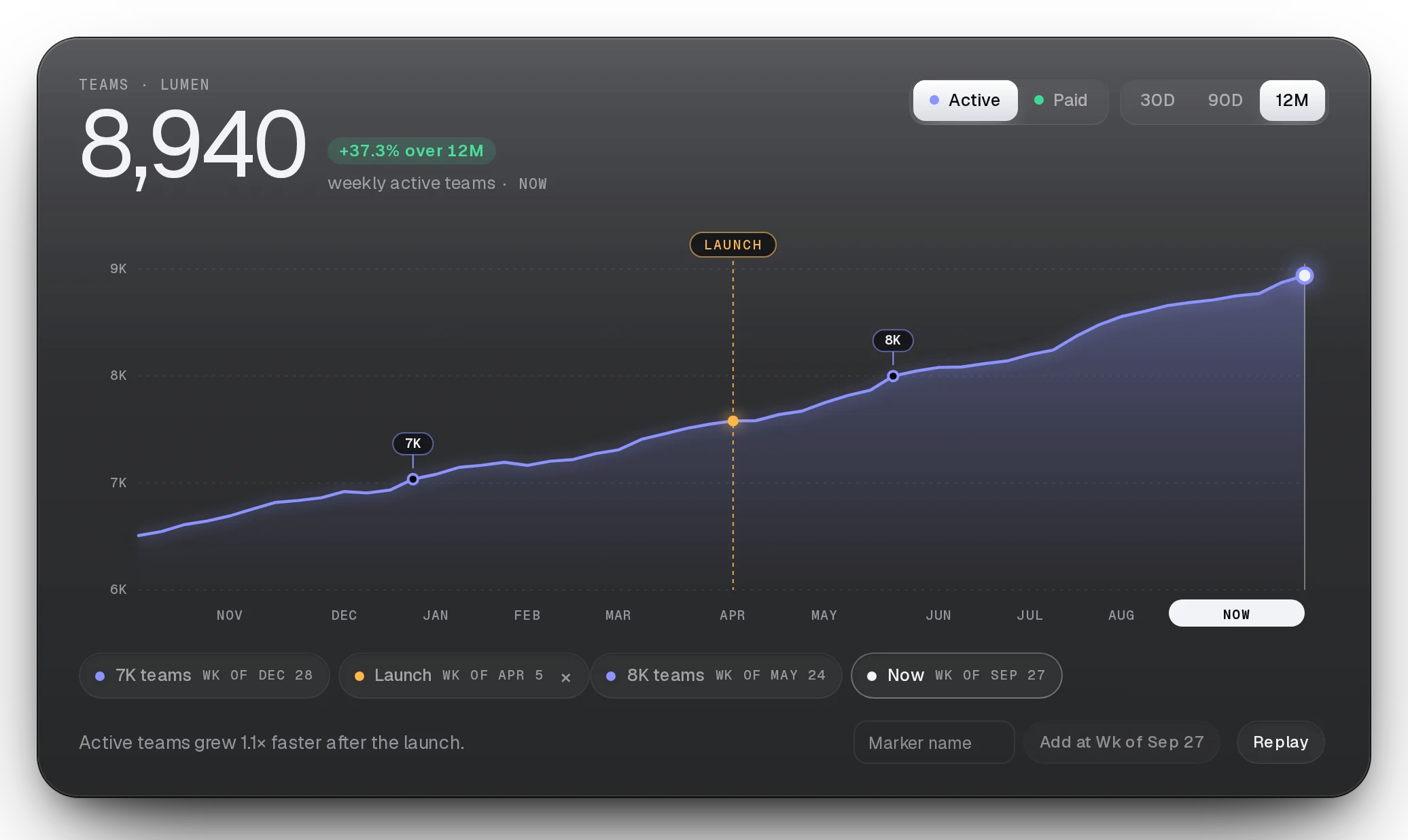
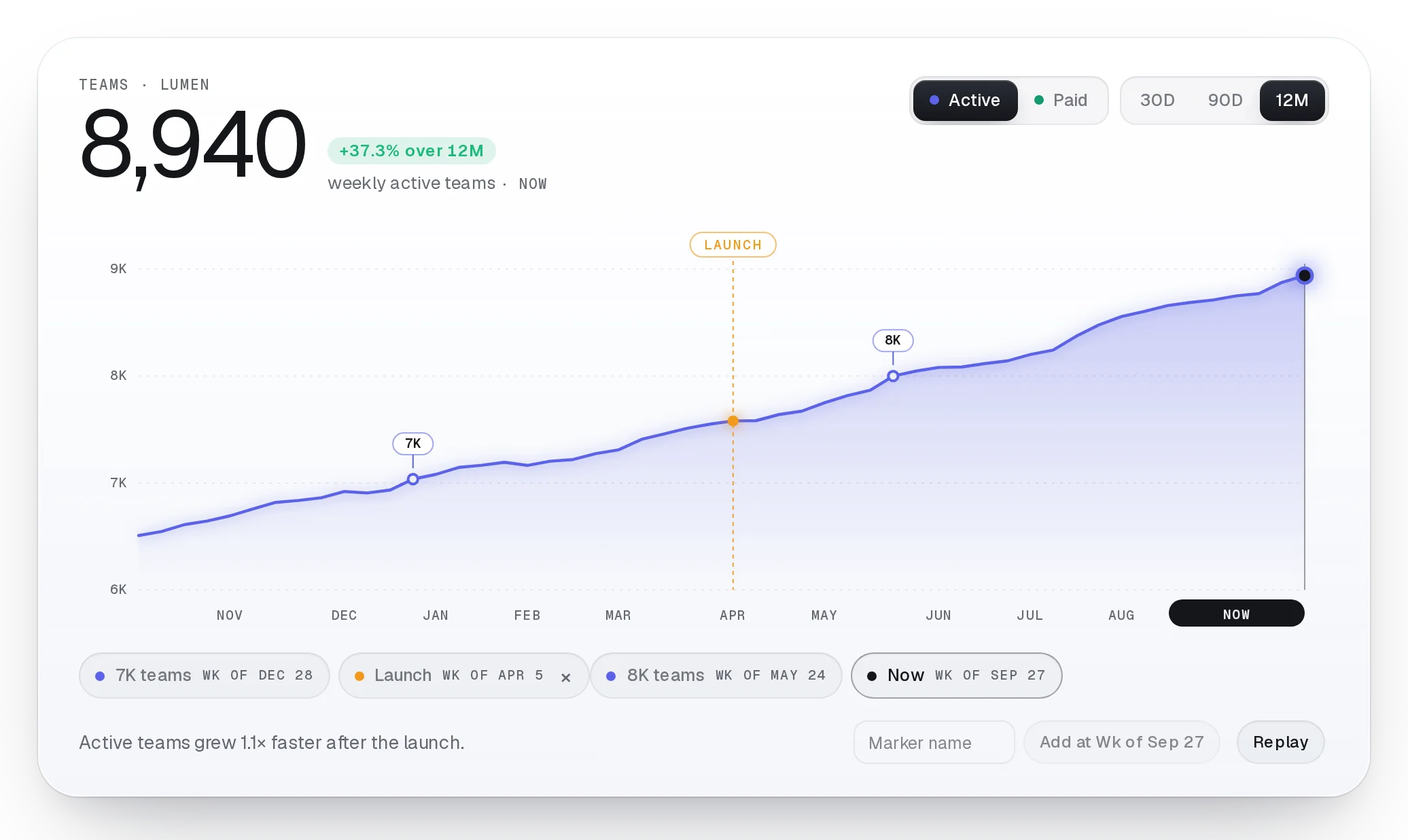
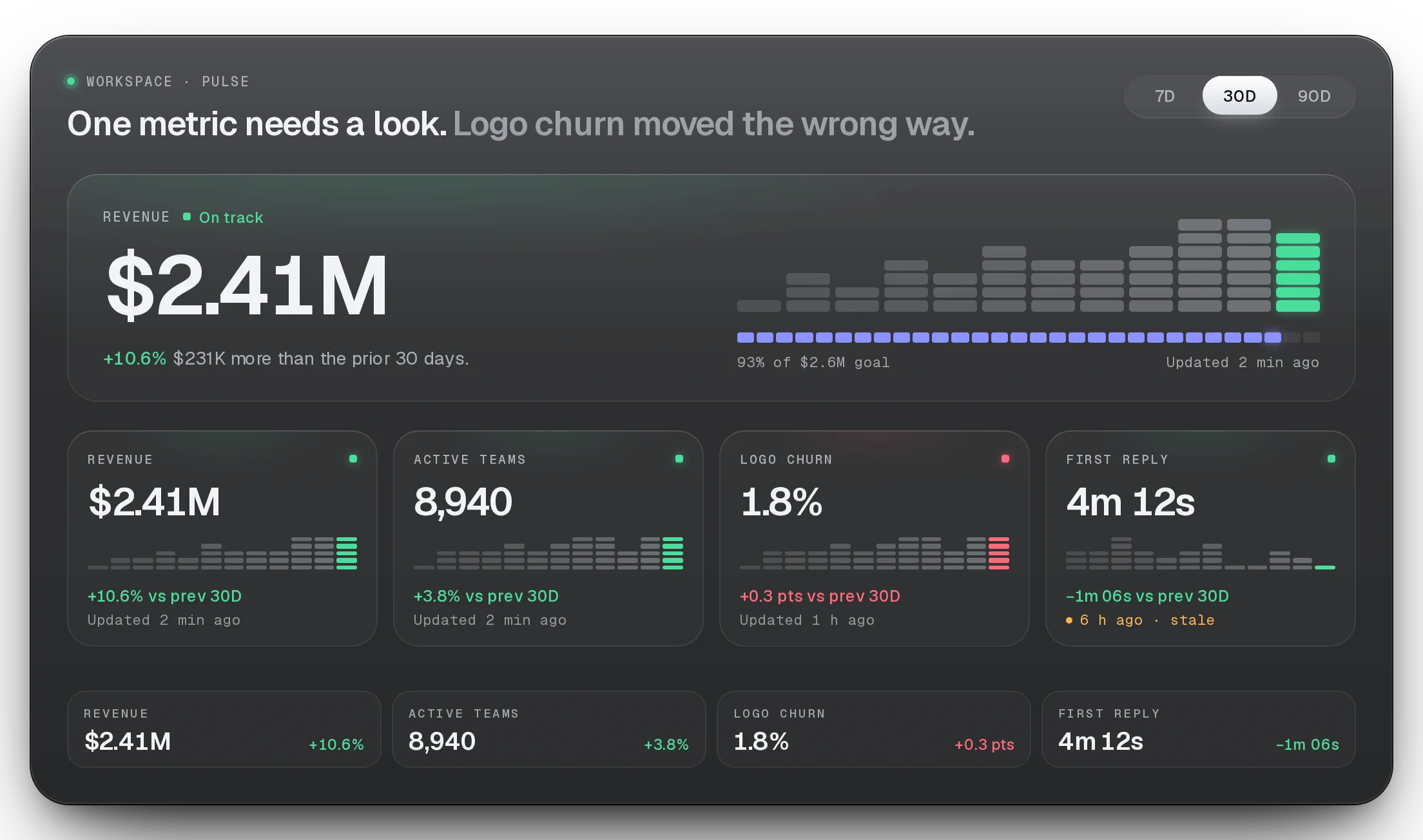
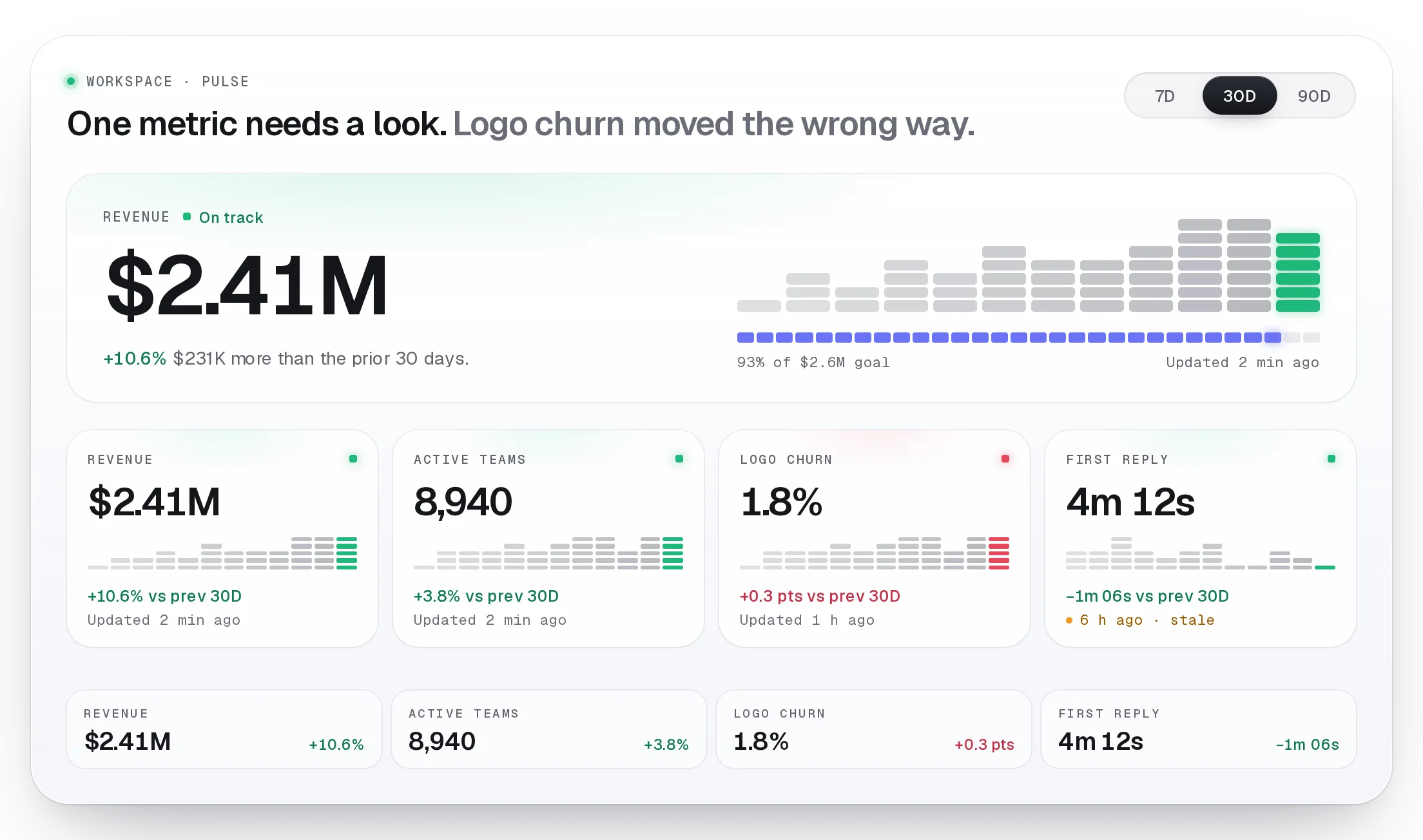
- What changed over time?Trend, Stat Cards
INSTALL
Installs clean. Your agent already knows it.
One command via the shadcn CLI or MCP, and the source lands in your repo: no wrapper package, nothing phones home. Every piece ships with docs your AI reads, keyboard and screen-reader support, and motion that respects reduced-motion settings.
- Docs your AI reads
- Keyboard & screen-reader ready
- Motion that respects reduced-motion
01ADD THE SYSTEM THEME (TOKENS AND FONTS)
npx shadcn@latest add https://beautiful-ui.dev/r/lumen.json02ADD THE CHART
npx shadcn@latest add https://beautiful-ui.dev/r/lumen-customer-swarm.jsonRadix project (a radix-*, new-york or default style)? Use this instead:
npx shadcn@latest add https://beautiful-ui.dev/r/radix-nova/lumen-customer-swarm.json03IMPORT IT AND PASS YOUR DATA
import { CustomerSwarm } from "@/components/ui/lumen/customer-swarm";