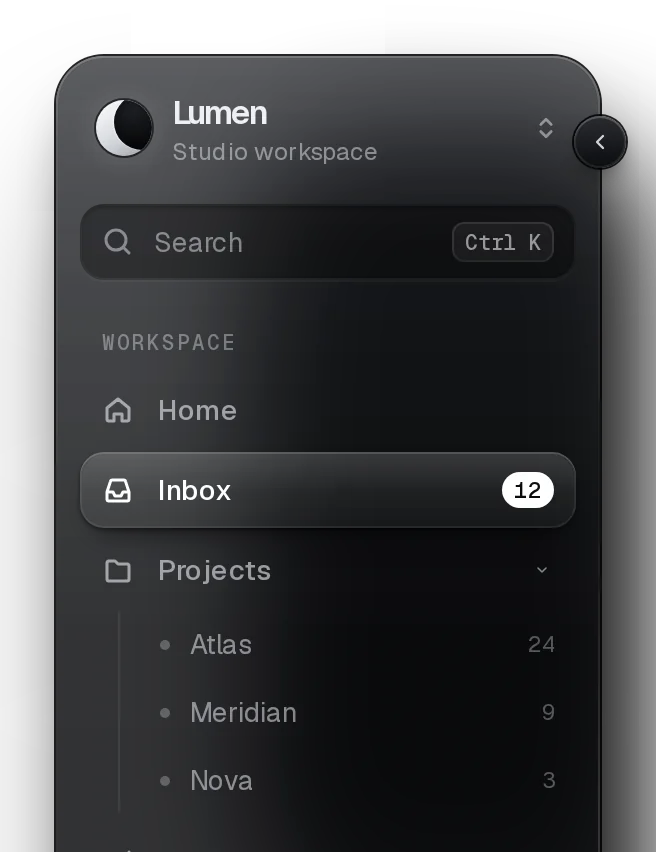
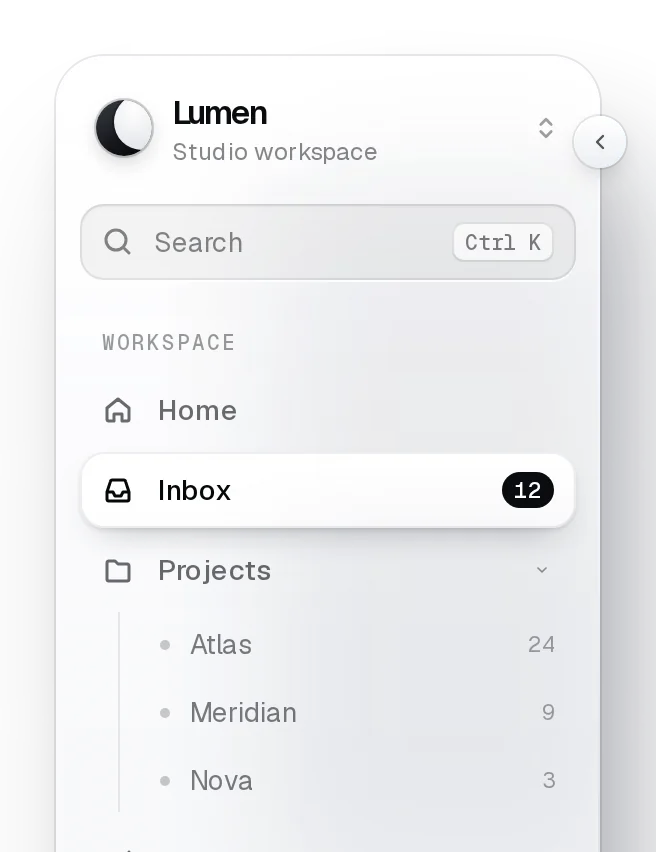
Tree ViewProv1.0.0
Nested folders and files the WAI-ARIA tree way: one tab stop, arrows that move and open, typing to jump to a name, single or multiple selection, hairline guides down each open folder.
pnpm dlx shadcn@latest add @beautiful-ui-pro/lumen-tree-viewNeeds your registry key. Your components.json style picks the Base UI or Radix build: radix-*, new-york and default get Radix, base-* gets Base UI.
Styles didn't apply?
The CLI adds the styles to the CSS file named in components.json (tailwind.css). Check that it points at your global stylesheet, that the project uses Tailwind CSS v4, and that the file is imported in your root layout. Installed by hand: paste styles.css into that file.
Usage
Import it and pass your content. The props that matter most are listed next.
Example
"use client";

import { TreeView, type TreeNode } from "@/components/ui/lumen/controls/tree-view";

const files: TreeNode[] = [
  {
    id: "src",
    label: "src",
    children: [
      { id: "src/app", label: "app", children: [{ id: "src/app/page.tsx", label: "page.tsx", meta: "2 KB" }] },
      { id: "src/lib/utils.ts", label: "utils.ts", meta: "1 KB" },
    ],
  },
  { id: "package.json", label: "package.json", meta: "3 KB" },
];

export function FileTree({ onOpen }: { onOpen: (path: string) => void }) {
  return <TreeView aria-label="Files" items={files} defaultExpanded={["src"]} onActivate={(node) => onOpen(node.id)} />;
}
Props
items–{ id, label, icon?, meta?, children?, disabled? }[]The tree. A node with children is a folder.
aria-label–stringNames the tree, e.g. "Files".
expanded / defaultExpanded / onExpandedChange–string[] / string[] / (ids: string[]) => voidOpen folder ids.
selected / defaultSelected / onSelectedChange–string[] / string[] / (ids: string[]) => voidSelected ids.
selectionMode"single""single" | "multiple" | "none"none makes a navigable outline.
onActivate–(node) => voidEnter, or a double click on a file.
Source
components/ui/lumen/controls/tree-view.tsx
This component is included with Pro.
Try the live preview above. Get Pro to install the source.