Text RevealProv1.0.0
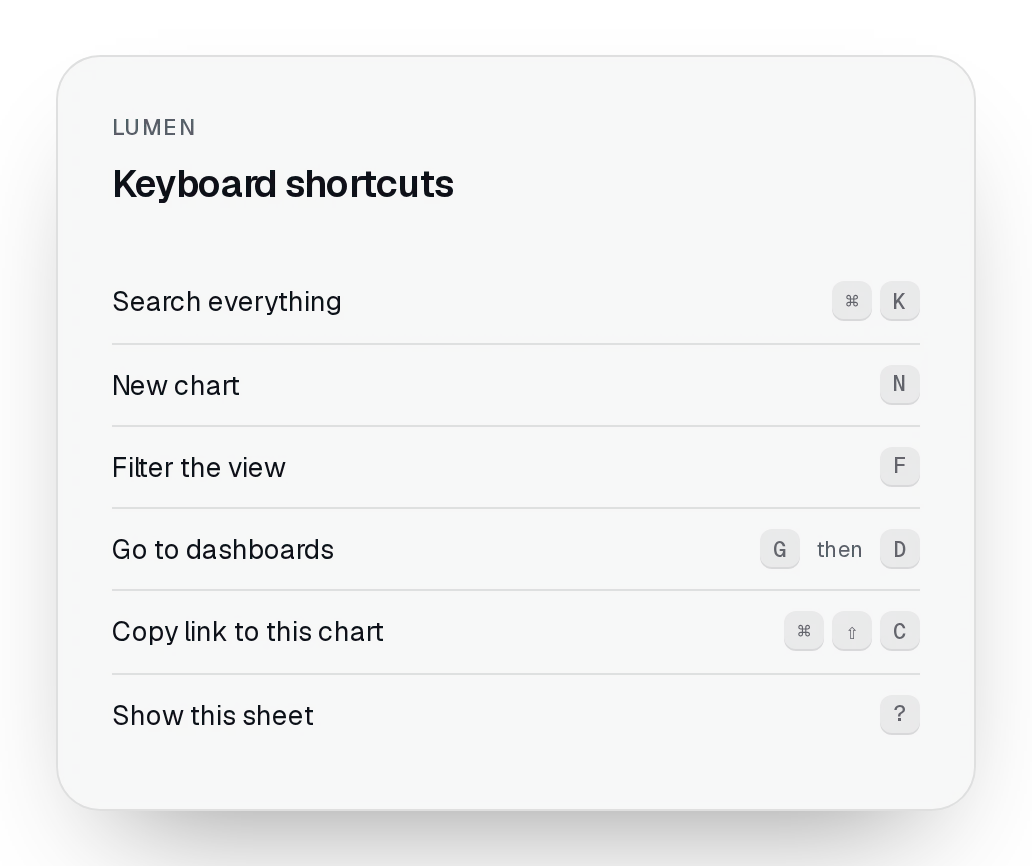
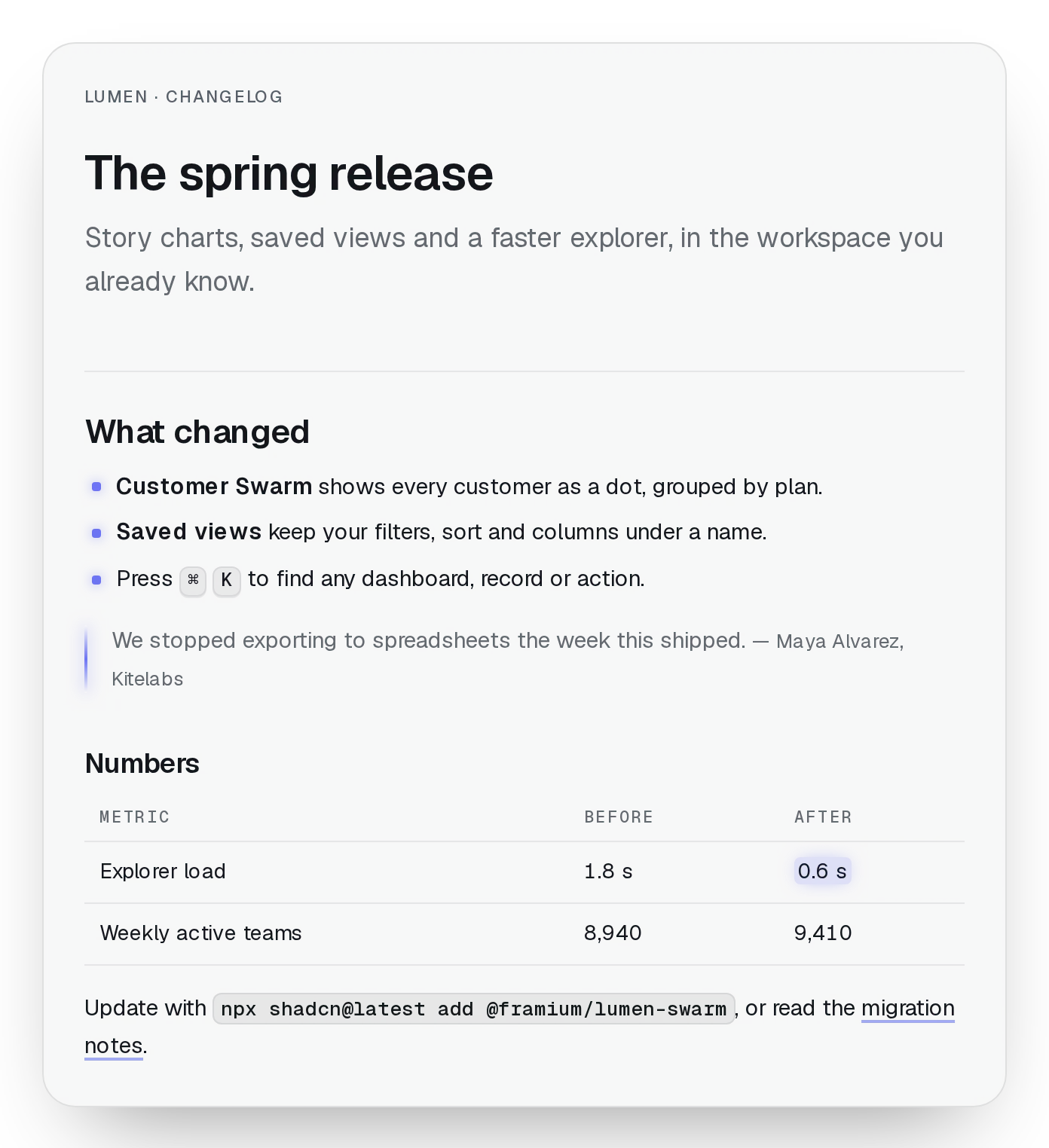
A heading or a line of copy that settles in the first time it scrolls into view: words, or the lines they wrap into, rise a little out of a soft blur, once, and then it's just text.
pnpm dlx shadcn@latest add @beautiful-ui-pro/lumen-text-revealNeeds your registry key. Your components.json style picks the Base UI or Radix build: radix-*, new-york and default get Radix, base-* gets Base UI.
Styles didn't apply?
The CLI adds the styles to the CSS file named in components.json (tailwind.css). Check that it points at your global stylesheet, that the project uses Tailwind CSS v4, and that the file is imported in your root layout. Installed by hand: paste styles.css into that file.
Usage
Import it and pass your content. The props that matter most are listed next.
Example
import { TextReveal } from "@/components/ui/lumen/controls/text-reveal";

export function SectionHeading() {
  return (
    <TextReveal as="h2" className="text-3xl font-semibold tracking-tight">
      Every number on one page, and the reason it moved.
    </TextReveal>
  );
}
Props
children–stringThe text: a string, so it can be split into words.
as"p""p" | "h1" | "h2" | "h3" | "h4" | "span" | "div"The element.
by"word""word" | "line"Word by word, or line by line as the text wraps at its width.
stagger / delay0.04 or 0.1 / 0numberSeconds between words or lines, and before the first.
amount0.35numberHow much must be in view before it starts.
motion"full""full" | "subtle" | "off"full: rise out of a blur; subtle: a fade; off: no reveal. Reduced motion is off.
Source
components/ui/lumen/controls/text-reveal.tsx
This component is included with Pro.
Try the live preview above. Get Pro to install the source.