Plan CardProv1.0.0
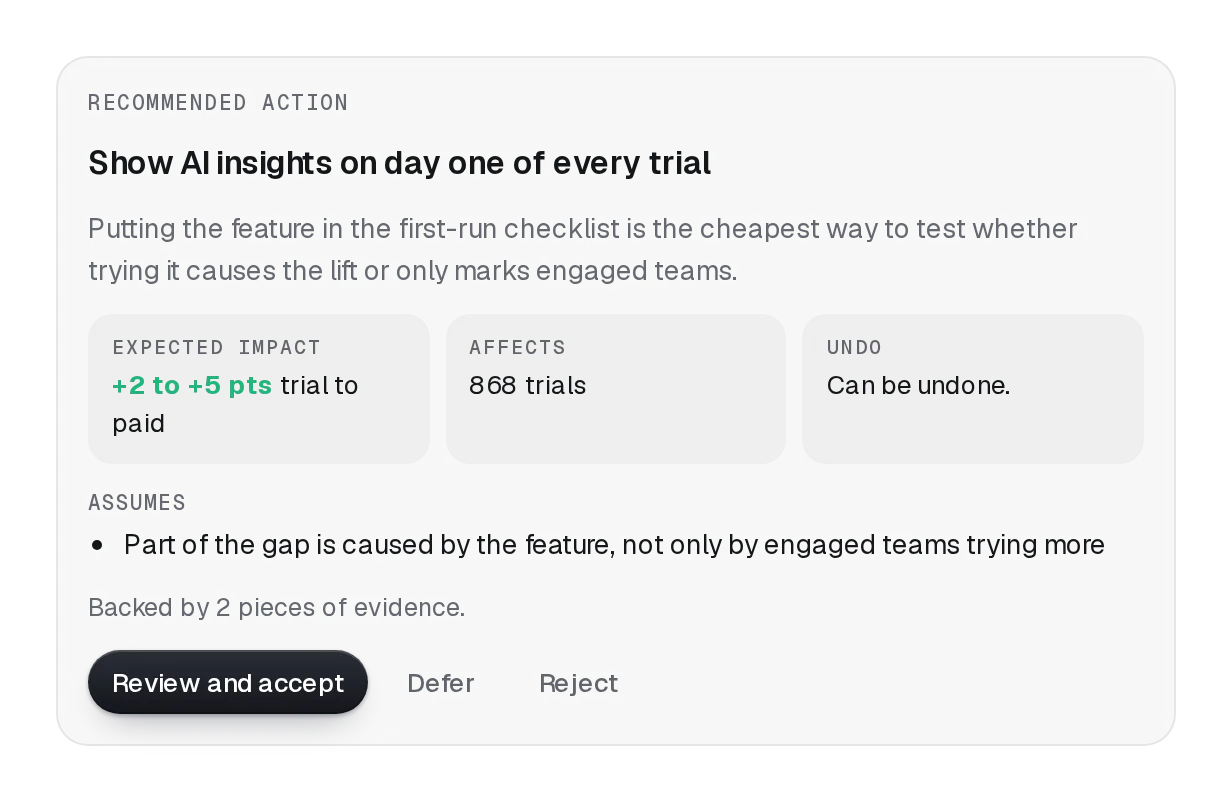
An agent proposes a plan and waits for you: numbered steps with Approve, Edit and Reject. Edit turns the steps into fields (Enter adds one, Backspace in an empty one removes it), Reject asks what should change, and an async approval holds its button and says if it fails.
pnpm dlx shadcn@latest add @beautiful-ui-pro/lumen-plan-cardNeeds your registry key. Your components.json style picks the Base UI or Radix build: radix-*, new-york and default get Radix, base-* gets Base UI.
Styles didn't apply?
The CLI adds the styles to the CSS file named in components.json (tailwind.css). Check that it points at your global stylesheet, that the project uses Tailwind CSS v4, and that the file is imported in your root layout. Installed by hand: paste styles.css into that file.
Usage
Import it and pass your content. The props that matter most are listed next.
Example
"use client";

import { PlanCard, type PlanStep } from "@/components/ui/lumen/controls/plan-card";

const plan: PlanStep[] = [
  { id: "1", text: "List feature flags not read in 90 days" },
  { id: "2", text: "Open one pull request per service removing them" },
  { id: "3", text: "Ask each owner to review" },
];

export function FlagCleanup() {
  return (
    <PlanCard
      title="Clean up stale feature flags"
      description="14 flags across 5 services."
      defaultSteps={plan}
      onApprove={async (steps) => {
        const res = await fetch("/api/agent/run", { method: "POST", headers: { "Content-Type": "application/json" }, body: JSON.stringify(steps) });
        // Throwing keeps the plan open and shows the message on the card.
        if (!res.ok) throw new Error("The agent didn't start. Try again.");
      }}
      onReject={(reason) => console.log("Revise:", reason)}
    />
  );
}
Props
title / description–ReactNodeWhat the plan is for.
steps / defaultSteps / onStepsChange–PlanStep[] ({ id, text })Controlled or not; onStepsChange gets the edited steps when the person saves.
status / defaultStatus"proposed""proposed" | "approved" | "rejected"The decision. Once decided, the actions give way to a one-line record.
onApprove–(steps) => void | Promise<void>Start the work. A promise holds Approve busy; a throw keeps the plan proposed and shows why.
onReject–(reason: string) => voidRefused, with what should change.
editabletruebooleanOffer Edit.
Show all 8 propsShow fewer
requireReasonfalsebooleanRejecting needs a reason.
labels–Partial<PlanCardLabels>Every word on the card, for other languages.
Source
components/ui/lumen/controls/plan-card.tsx
This component is included with Pro.
Try the live preview above. Get Pro to install the source.