In-View TitleProv1.0.0
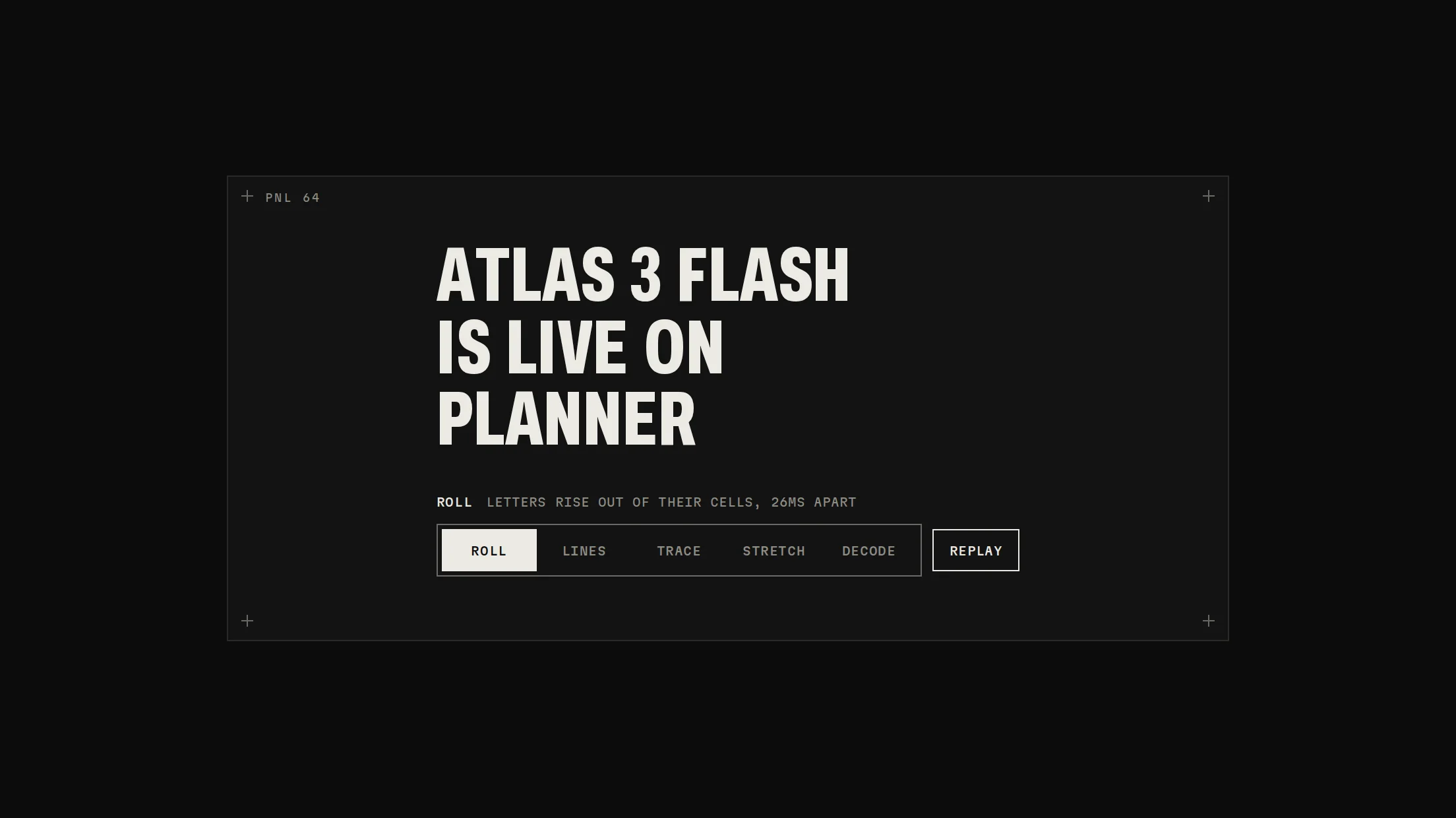
A section title that plays once as it scrolls into view: each line's baseline traces, its words rise, the baseline cools to a rule, and the body fades up after.
Live preview
Installation
pnpm dlx shadcn@latest add @beautiful-ui-pro/in-view-titleNeeds your registry key. Your components.json style picks the Base UI or Radix build: radix-*, new-york and default get Radix, base-* gets Base UI.
Styles didn't apply?
The CLI adds the styles to the CSS file named in components.json (tailwind.css). Check that it points at your global stylesheet, that the project uses Tailwind CSS v4, and that the file is imported in your root layout. Installed by hand: paste styles.css into that file.
Usage
Import it and pass your content. The props that matter most are listed next.
Example
import { InViewTitle } from "@/components/ui/notchset/in-view-title";

<InViewTitle eyebrow="RELEASE NOTES" lines={["EVERY DEPLOY", "IS MEASURED"]}>Body copy.</InViewTitle>
Props
lines–string[]Explicit lines.
eyebrow–ReactNodeA mono line above.
children–ReactNodeBody copy under it.
once / threshold–boolean / numberPlay once (default) at 60% visible.
replayKey–numberChange it to replay.
Source
components/ui/notchset/in-view-title.tsx
This component is included with Pro.
Try the live preview above. Get Pro to install the source.